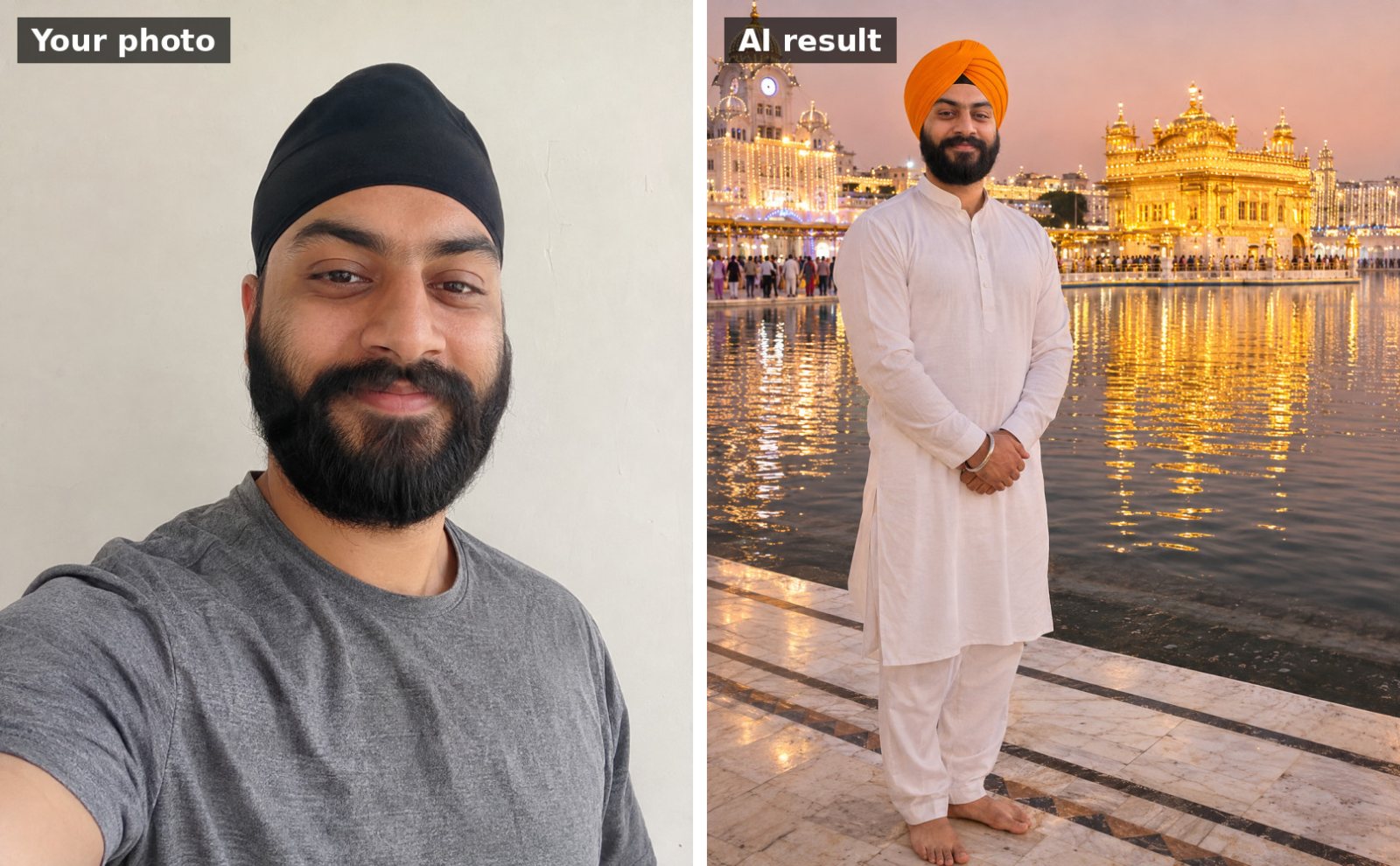
 📷 Uses your photo
Guru Nanak Jayanti
Dastar (turban) portrait at the Golden Temple
Use the uploaded photo. Keep my face, facial features, skin tone and hairline exactly the same as the uploade…
📷 This prompt edits your own photo. Use a clear, front-facing photo with good light.
Use the uploaded photo. Keep my face, facial features, skin tone and hairline exactly the same as the uploaded photo. Turn it into a realistic vintage Polaroid instant photo of me with my head covered, standing in front of a gurdwara lit with festive lights at night. Slight flash, soft film grain, white Polaroid border with handwritten marker text at the bottom: "Gurpurab 2026". Place the Polaroid on a table among marigold petals and small clay diyas, photographed from above.
Works with: Gemini, ChatGPT
Upload a clear, well-lit photo with your face visible (no sunglasses or heavy filters). If your face changes, reply: “Keep my face identical to the uploaded photo; only change the outfit and background.”
At a gurdwara the head is always covered. If the AI leaves your head uncovered, reply: “Cover my head with a dupatta / patka.”
📷 Uses your photo
Use the uploaded photo. Keep my face, facial features, skin tone and hairline exactly the same as the uploade…
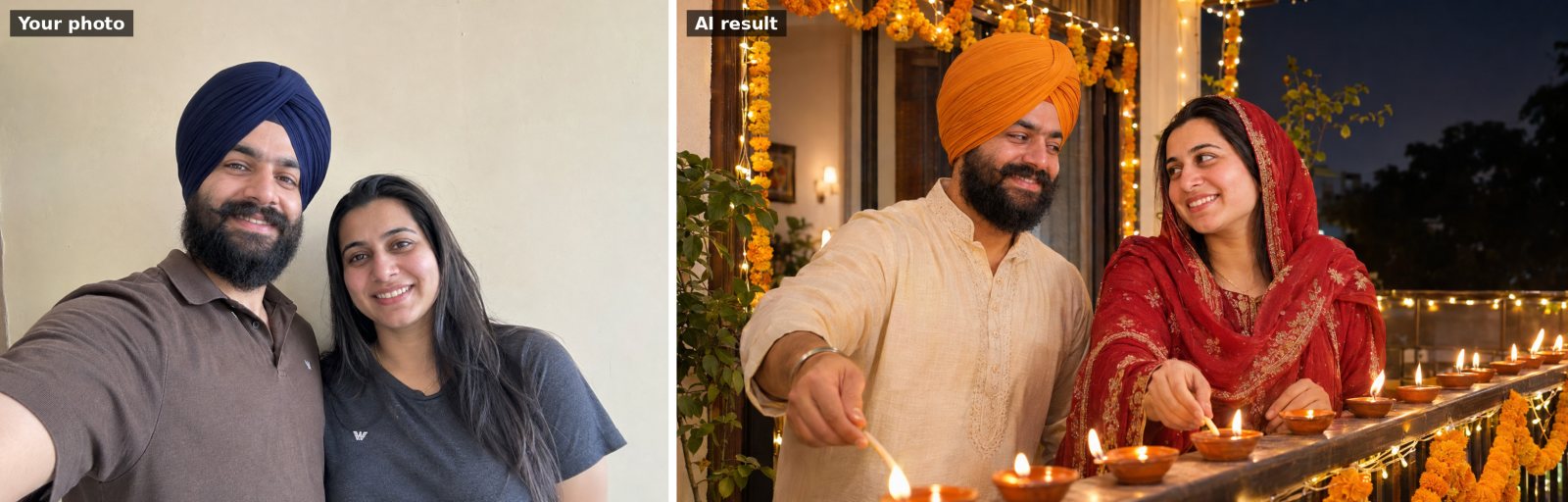 📷 Uses your photo
Use the uploaded photo of us. Keep both people's faces and facial features exactly the same. Show us together…
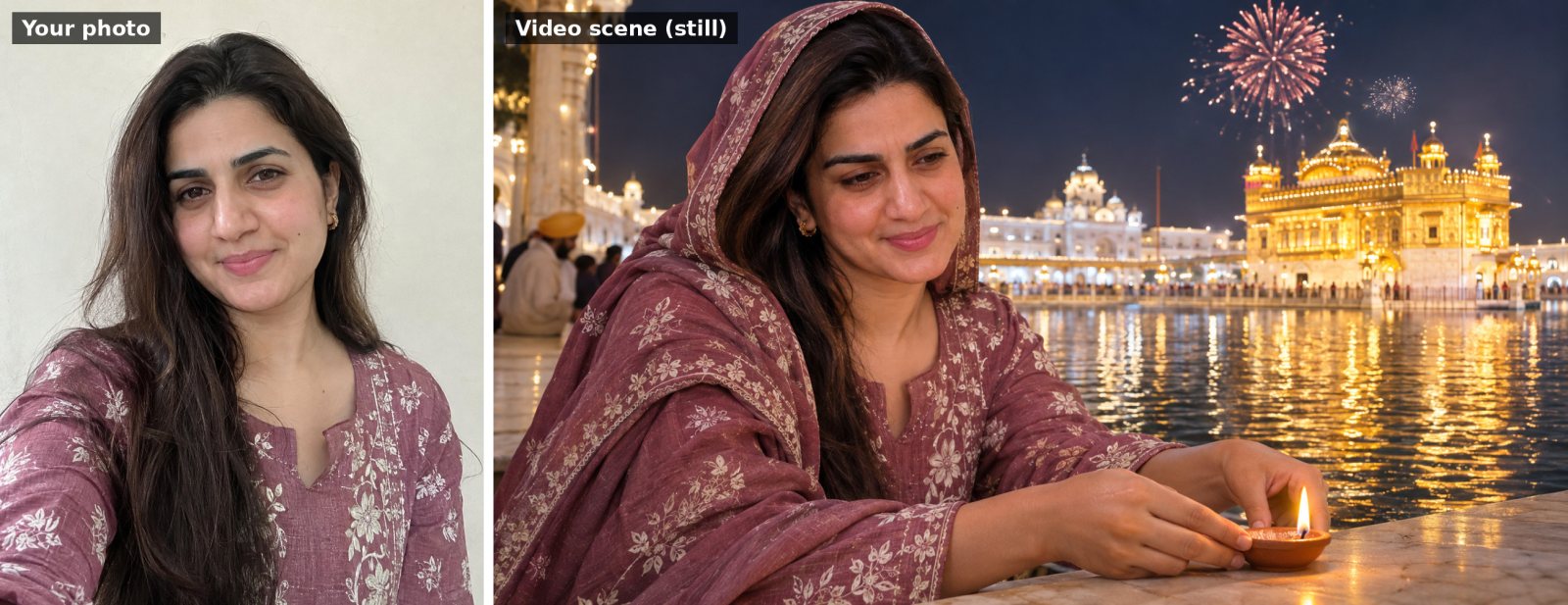 🎬 Video prompt
Use my uploaded photo as the starting frame and keep my face, features and clothes exactly the same throughou…
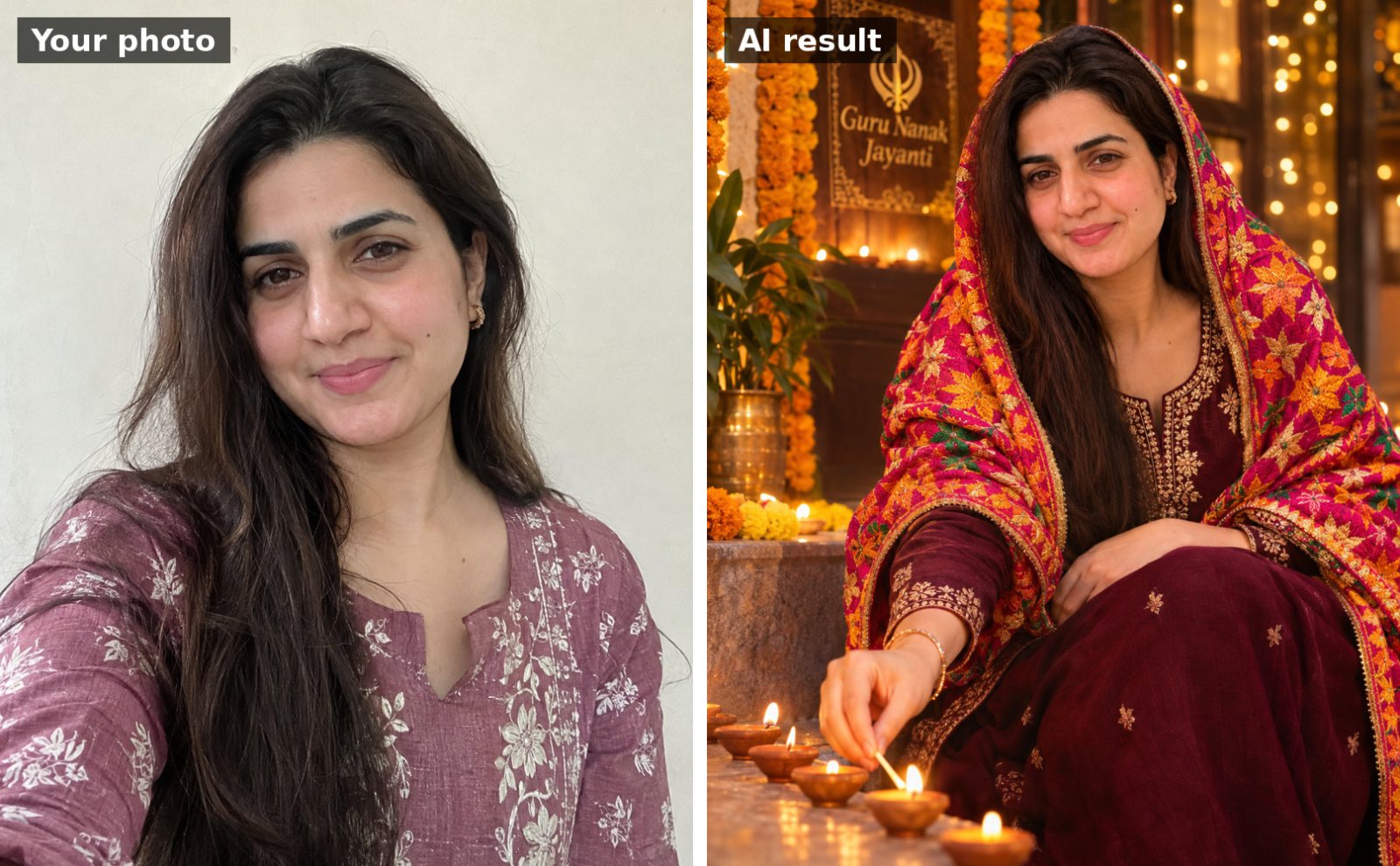 📷 Uses your photo
Use the uploaded photo. Keep my face, facial features, skin tone and hairline exactly the same as the uploade…
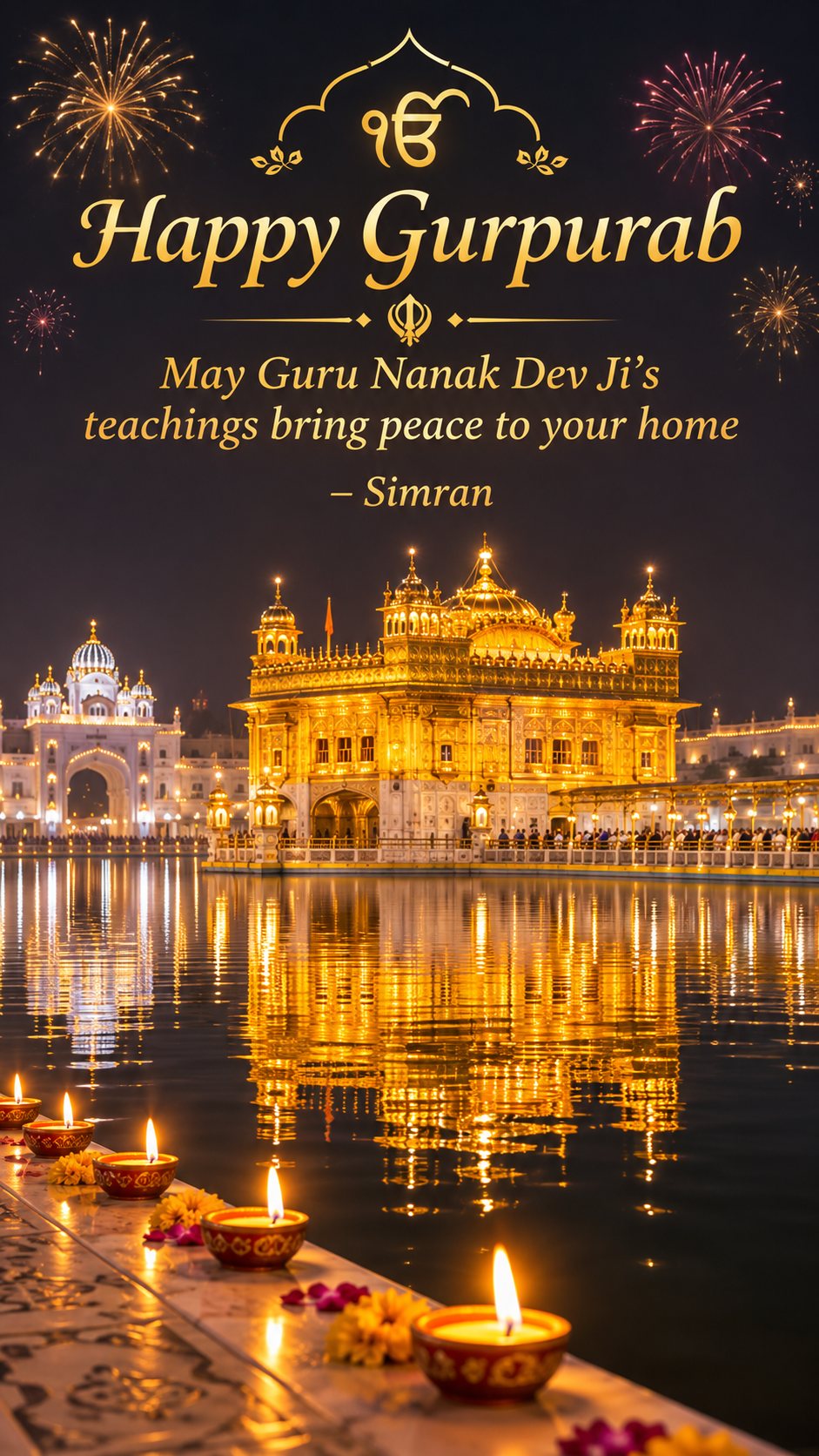
Vertical 9:16 Guru Nanak Jayanti wishes image for a WhatsApp status: the Golden Temple glowing at night with…
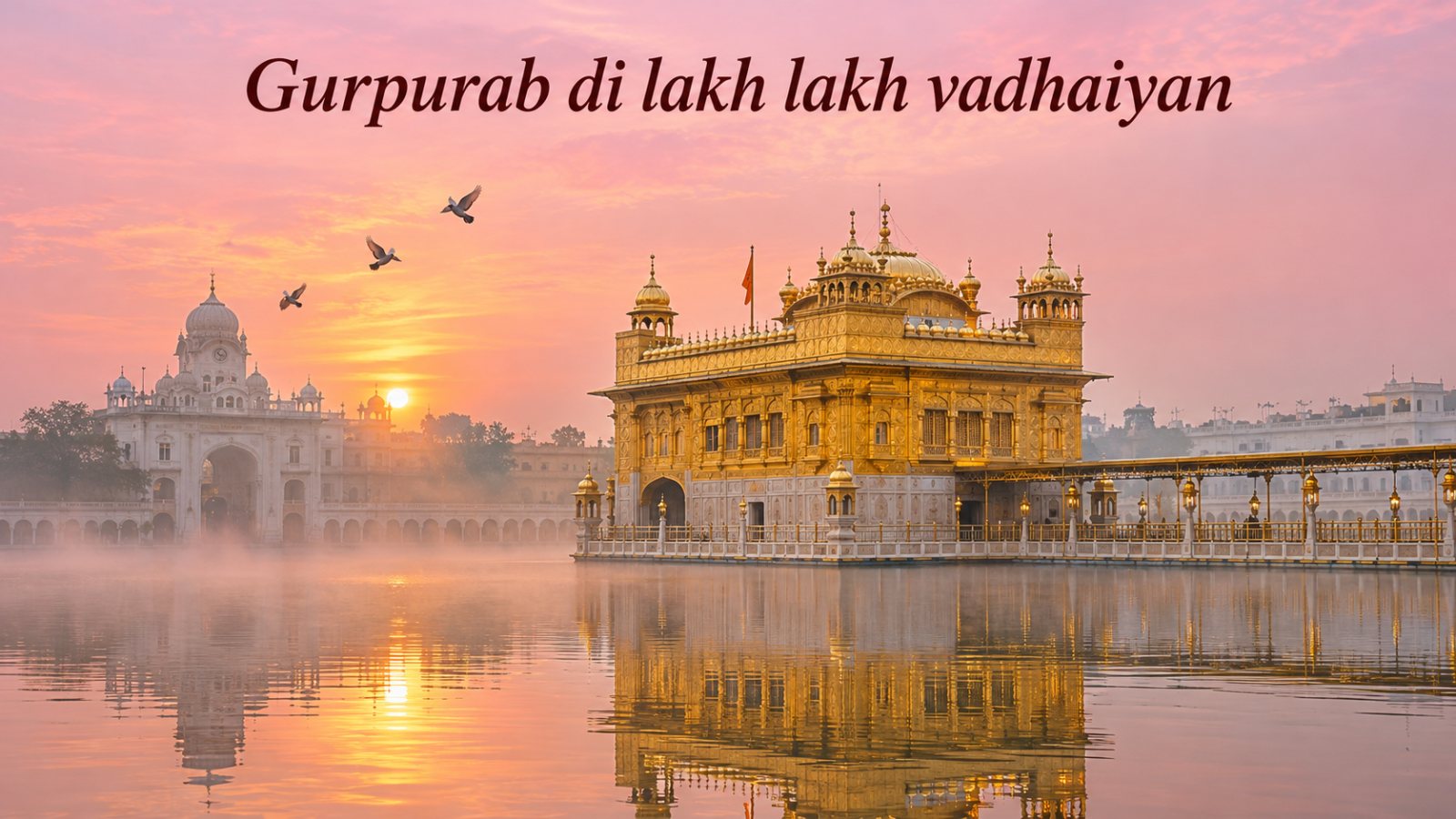
Peaceful greeting image of the Golden Temple in Amritsar at dawn: soft pink and gold sky, mist over the sarov…