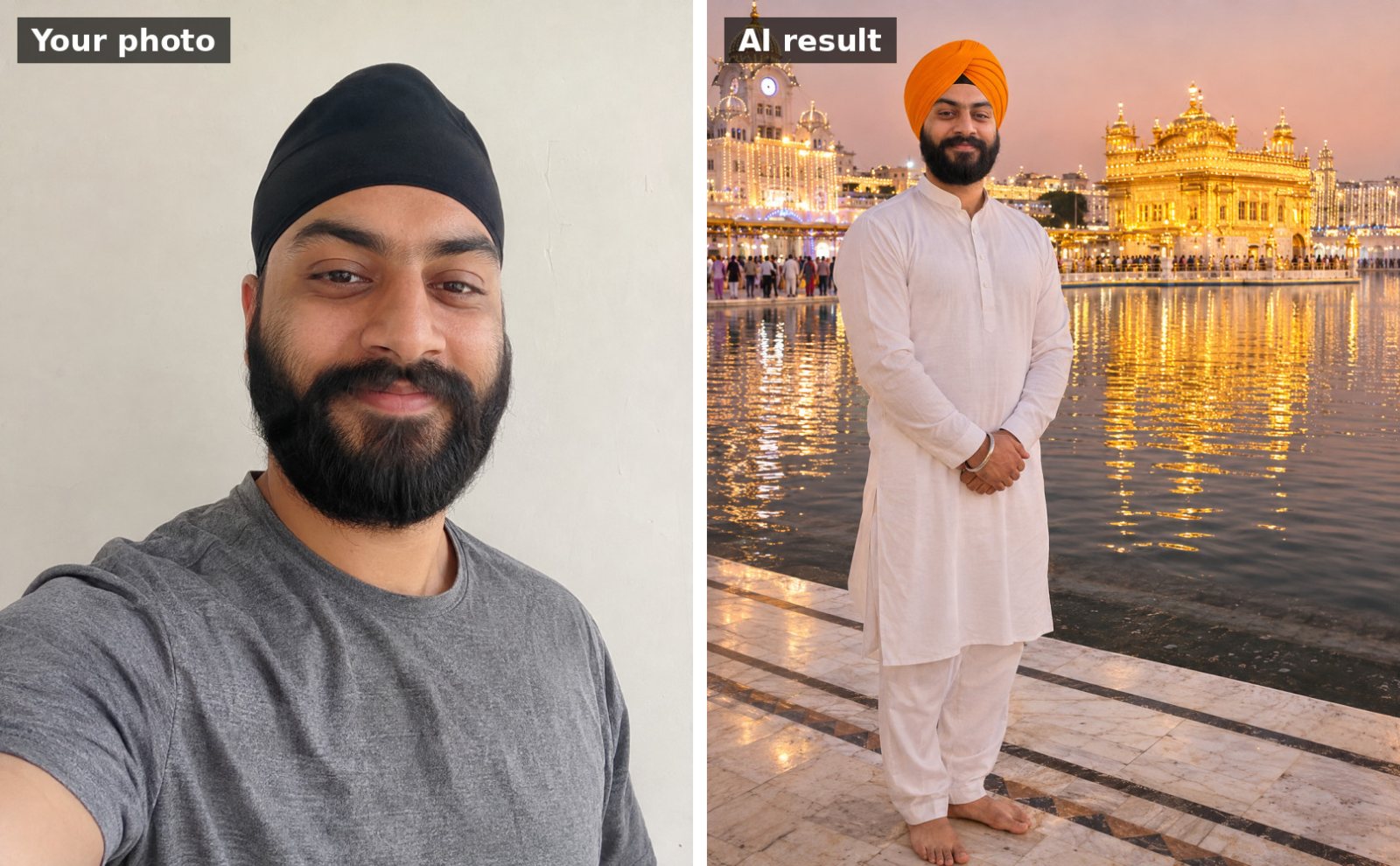
 📷 Uses your photo
Guru Nanak Jayanti
Dastar (turban) portrait at the Golden Temple
Use the uploaded photo. Keep my face, facial features, skin tone and hairline exactly the same as the uploade…
📷 This prompt edits your own photo. Use a clear, front-facing photo with good light.
Use the uploaded photo. Keep my face, facial features, skin tone and hairline exactly the same as the uploaded photo. Dress me in a deep maroon Punjabi suit with a bright hand-embroidered phulkari dupatta draped over my head. I'm sitting on the doorstep of a home decorated with marigold garlands and fairy lights for Guru Nanak Jayanti, lighting a row of clay diyas. Warm diya glow on my face, soft golden bokeh behind me. Realistic portrait photography, 85mm lens look, portrait 4:5.
Works with: Gemini, ChatGPT
Upload a clear, well-lit photo with your face visible (no sunglasses or heavy filters). If your face changes, reply: “Keep my face identical to the uploaded photo; only change the outfit and background.”
At a gurdwara the head is always covered. If the AI leaves your head uncovered, reply: “Cover my head with a dupatta / patka.”
📷 Uses your photo
Use the uploaded photo. Keep my face, facial features, skin tone and hairline exactly the same as the uploade…
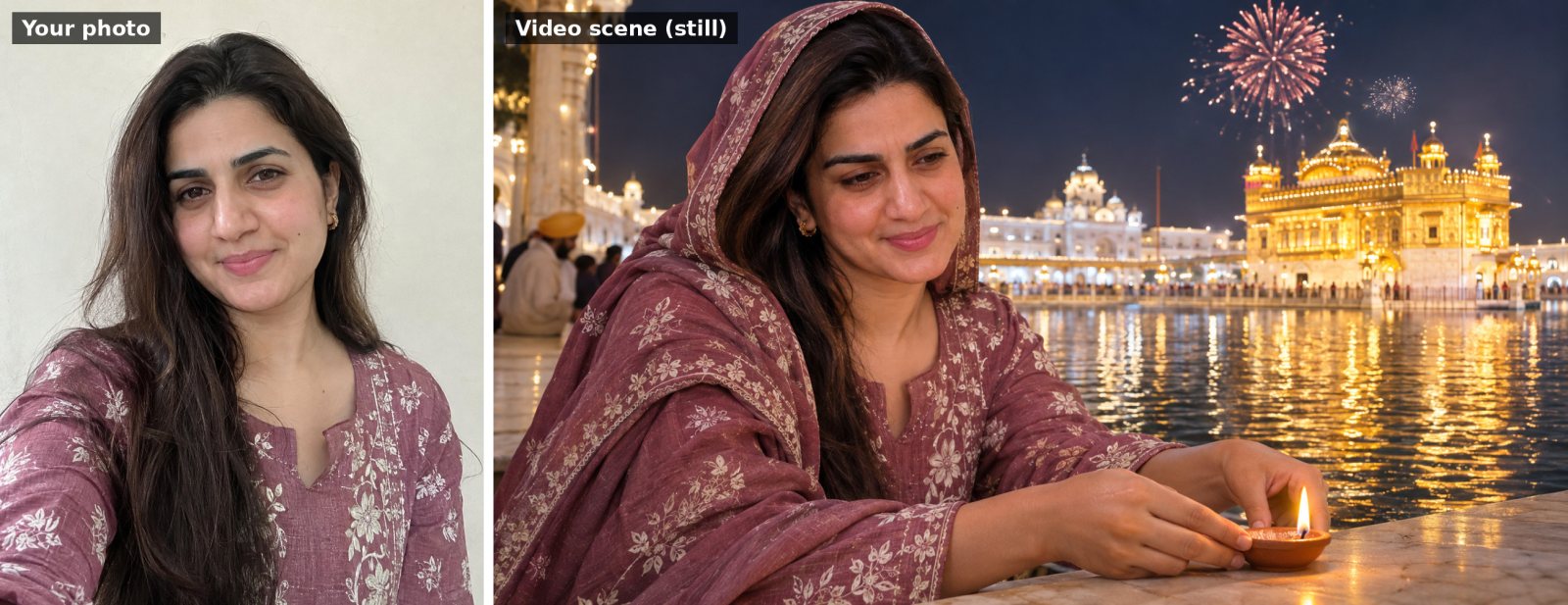 🎬 Video prompt
Use my uploaded photo as the starting frame and keep my face, features and clothes exactly the same throughou…
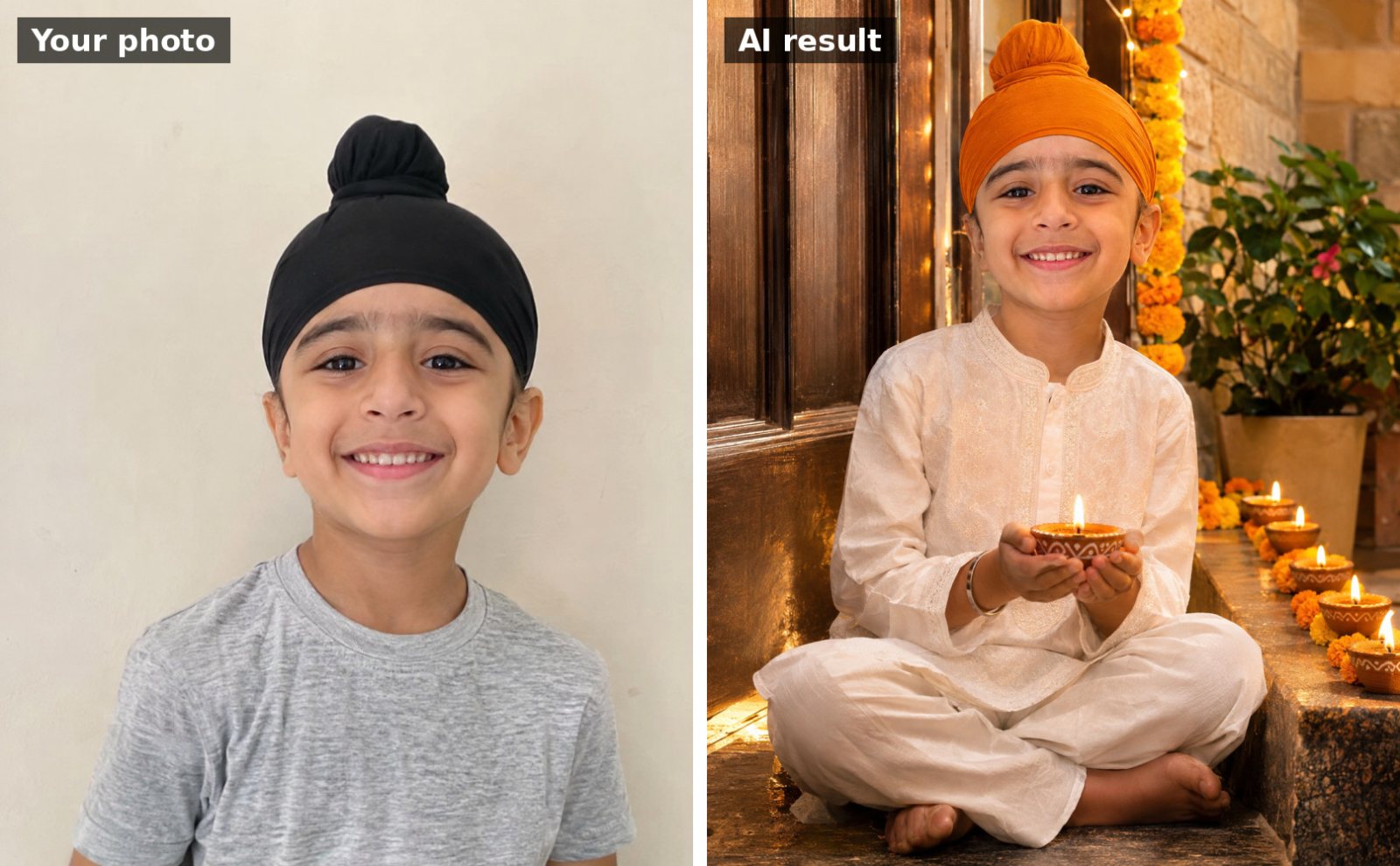 📷 Uses your photo
Use the uploaded photo of my child. Keep the child's face and features exactly the same. Dress them in a cute…
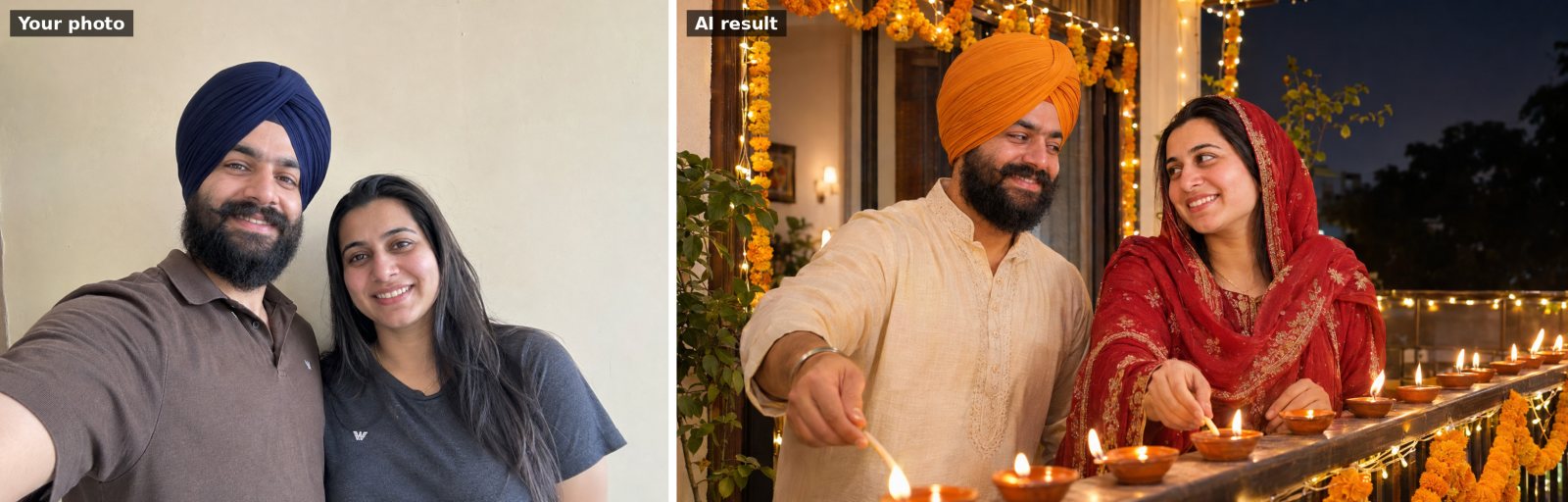 📷 Uses your photo
Use the uploaded photo of us. Keep both people's faces and facial features exactly the same. Show us together…
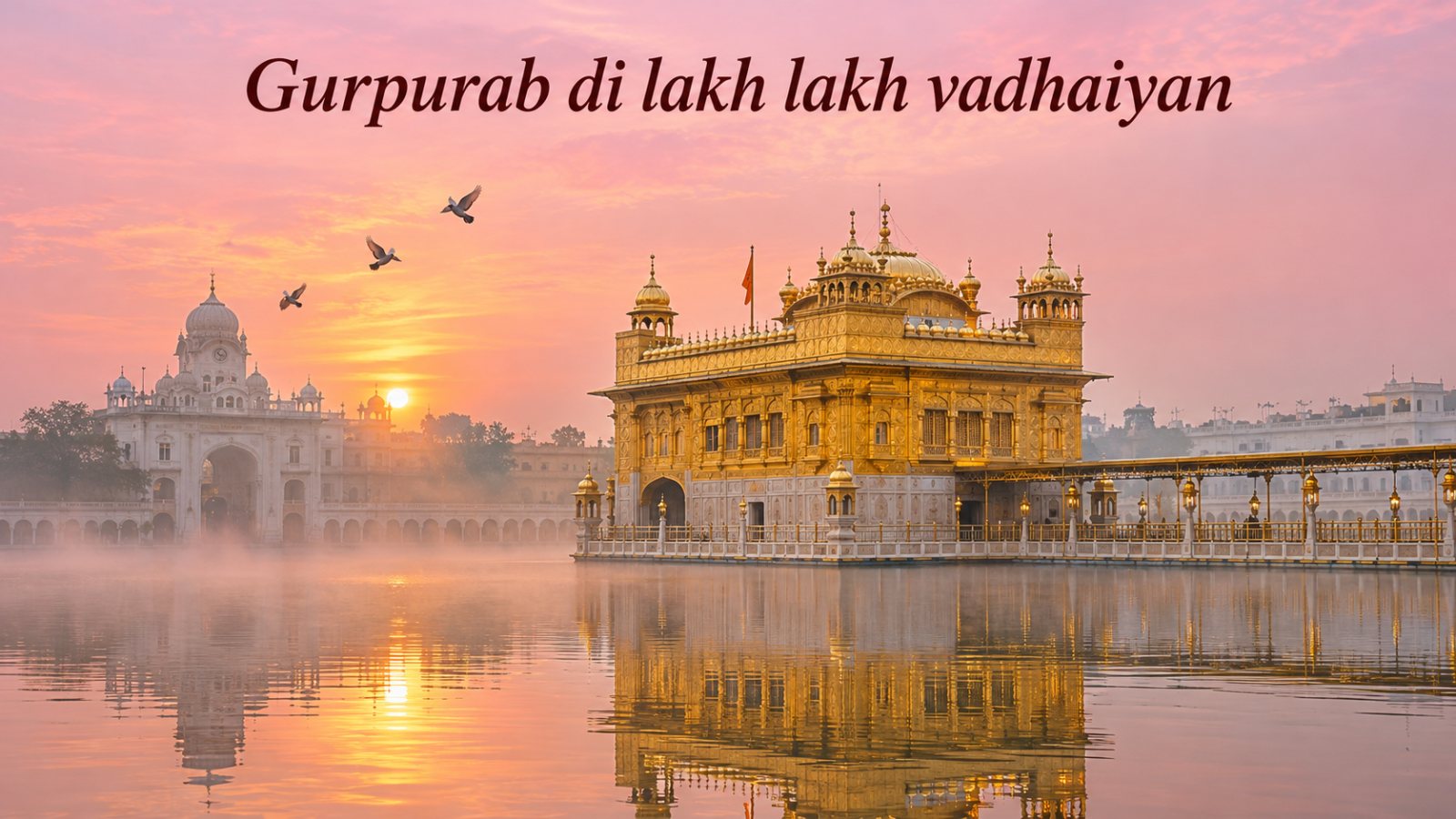
Peaceful greeting image of the Golden Temple in Amritsar at dawn: soft pink and gold sky, mist over the sarov…
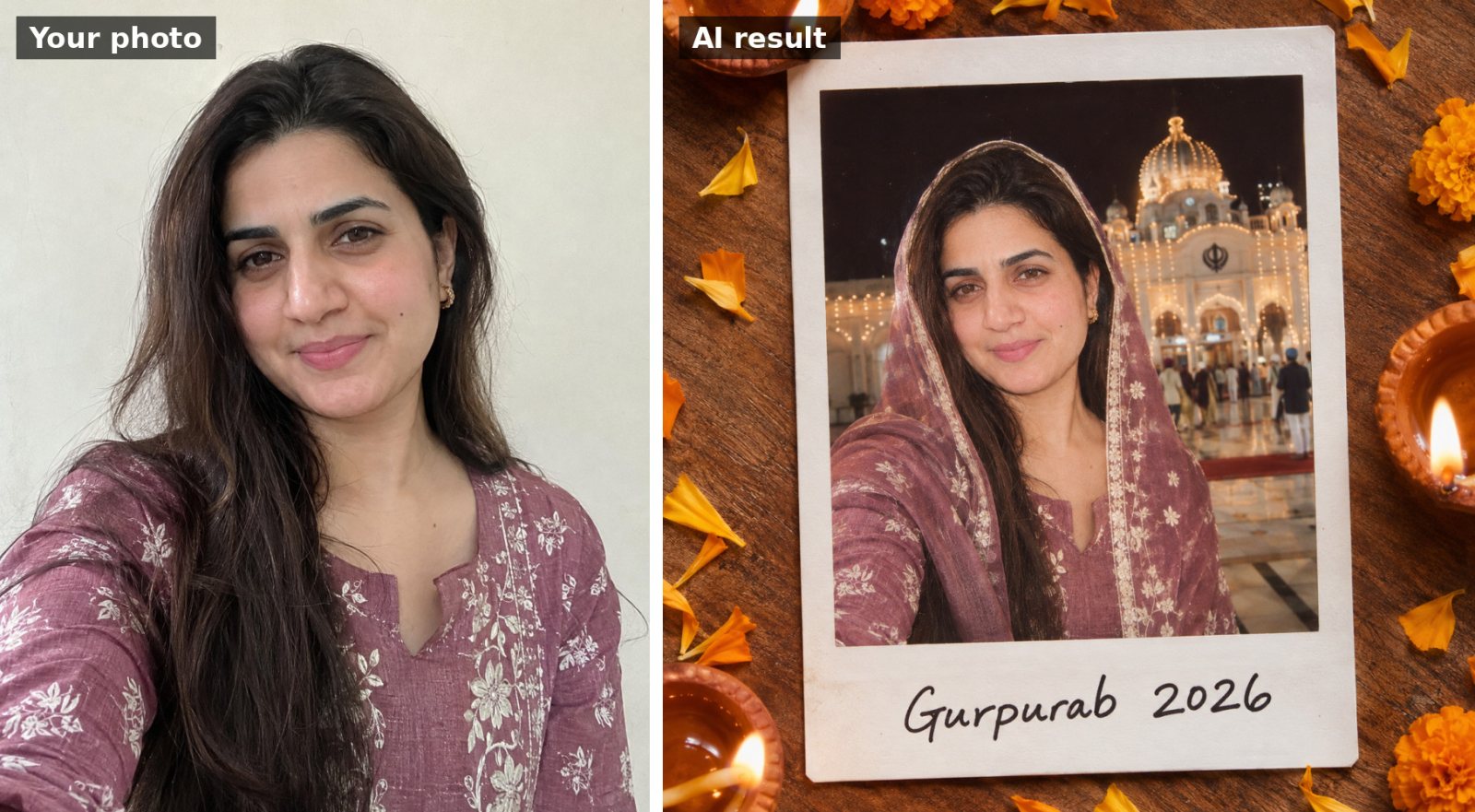 📷 Uses your photo
Use the uploaded photo. Keep my face, facial features, skin tone and hairline exactly the same as the uploade…