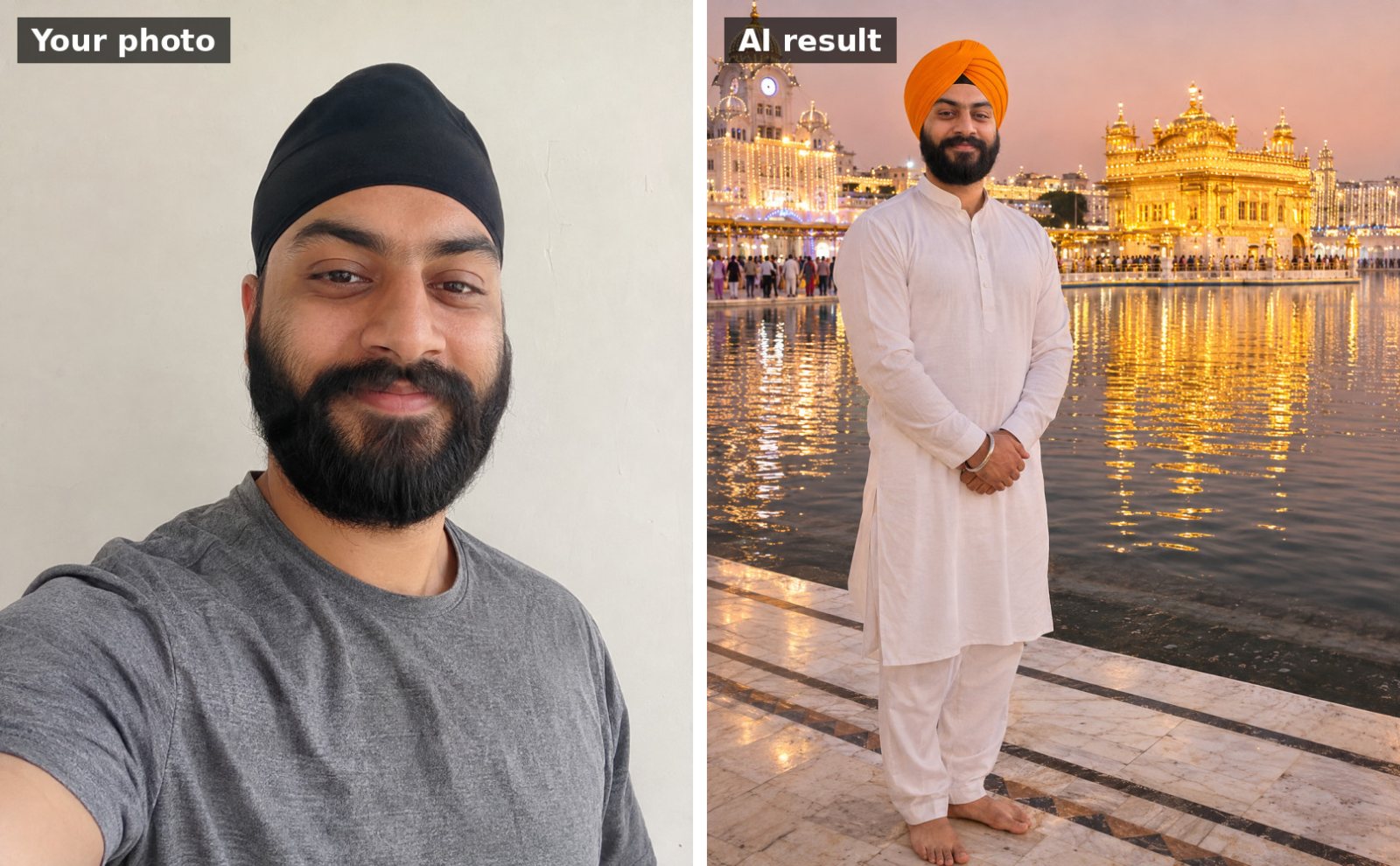
 📷 Uses your photo
Guru Nanak Jayanti
Dastar (turban) portrait at the Golden Temple
Use the uploaded photo. Keep my face, facial features, skin tone and hairline exactly the same as the uploade…
📷 This prompt edits your own photo. Use a clear, front-facing photo with good light.
Use the uploaded photo of us. Keep both people's faces and facial features exactly the same. Show us together on the balcony of our home on Guru Nanak Jayanti night, lighting rows of diyas along the railing, smiling at each other. I'm wearing a red Punjabi suit with my head covered by a dupatta and my partner is wearing a saffron dastar and a cream kurta. Fairy lights and marigold garlands around us, warm golden glow. Romantic, respectful, realistic photo, landscape 16:9.
Works with: Gemini, ChatGPT
Upload one photo with both of you in it, or two photos in the same message (say “person 1” and “person 2”). If a face changes, reply: “Keep both faces identical to the uploaded photo.”
📷 Uses your photo
Use the uploaded photo. Keep my face, facial features, skin tone and hairline exactly the same as the uploade…
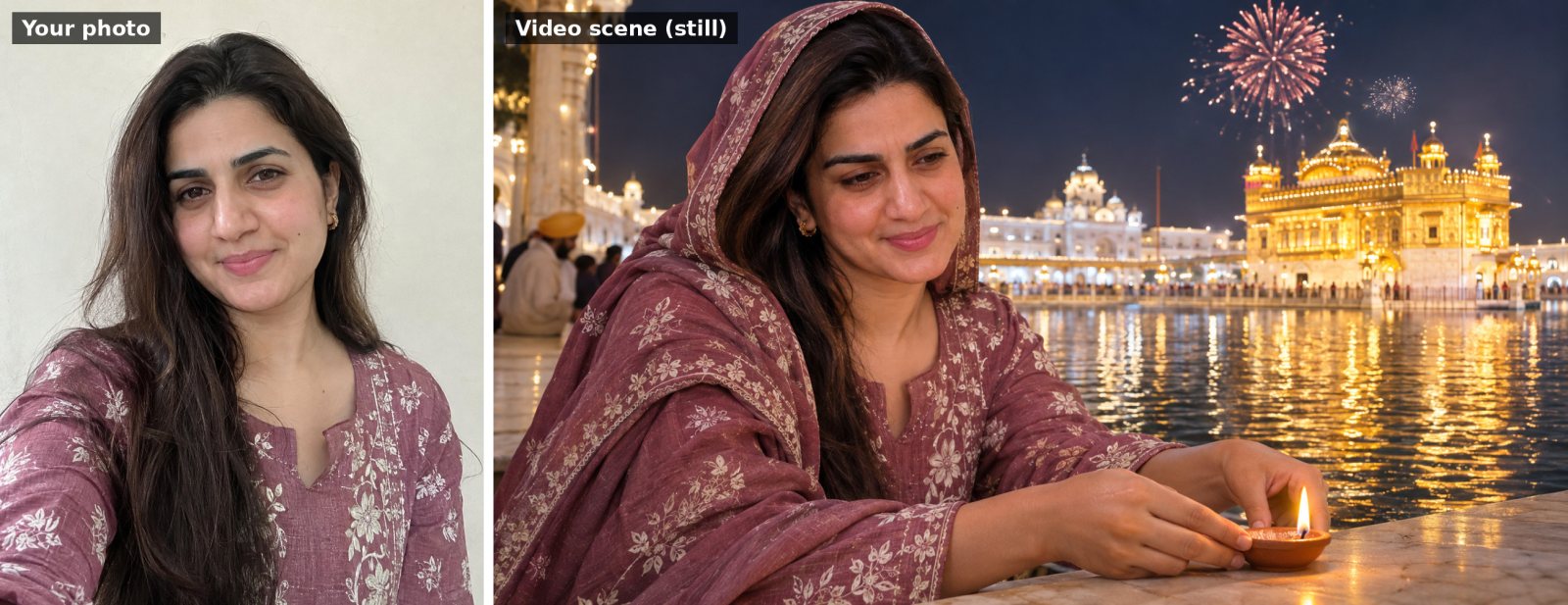 🎬 Video prompt
Use my uploaded photo as the starting frame and keep my face, features and clothes exactly the same throughou…
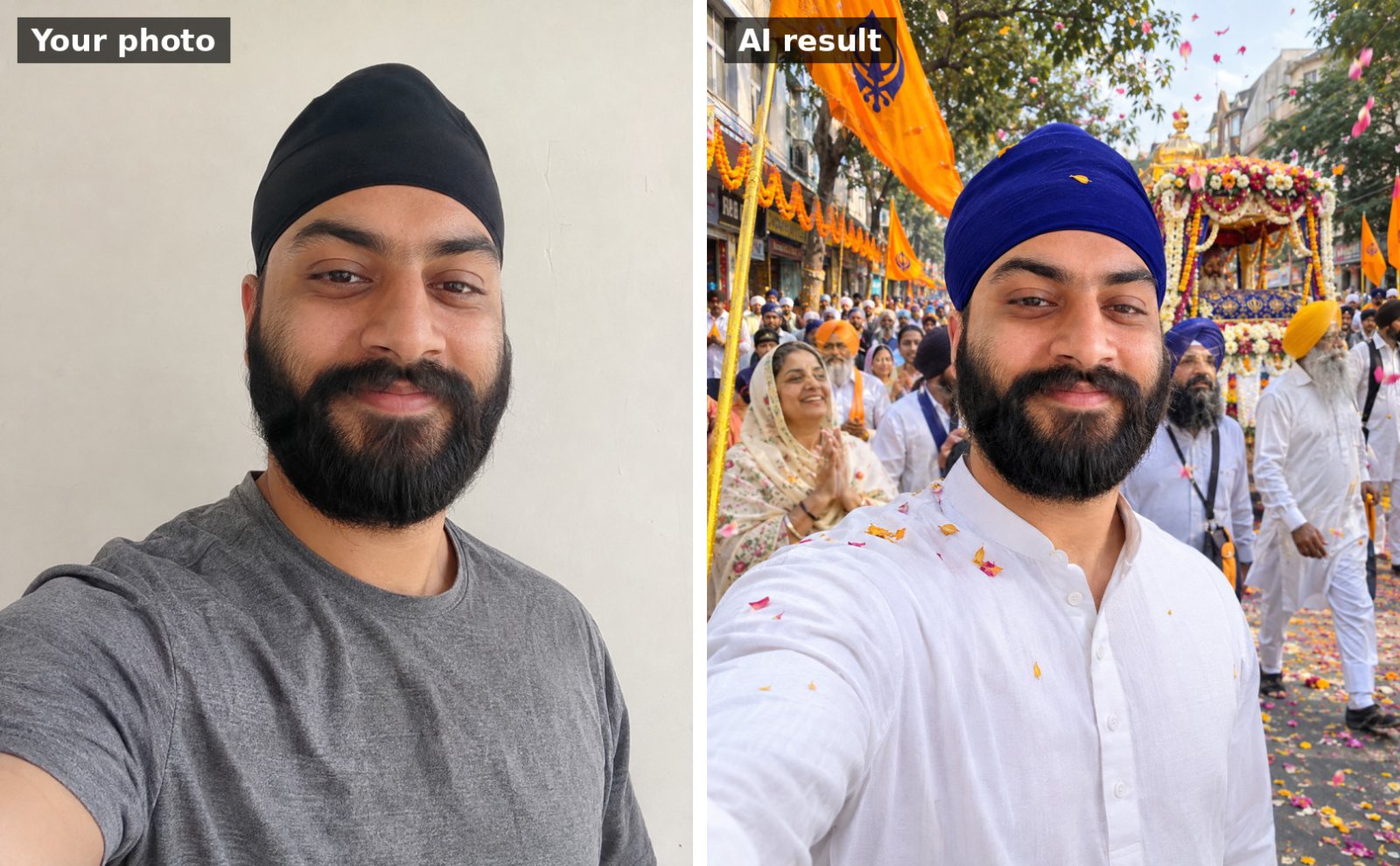 📷 Uses your photo
Use the uploaded photo. Keep my face, facial features, skin tone and hairline exactly the same as the uploade…
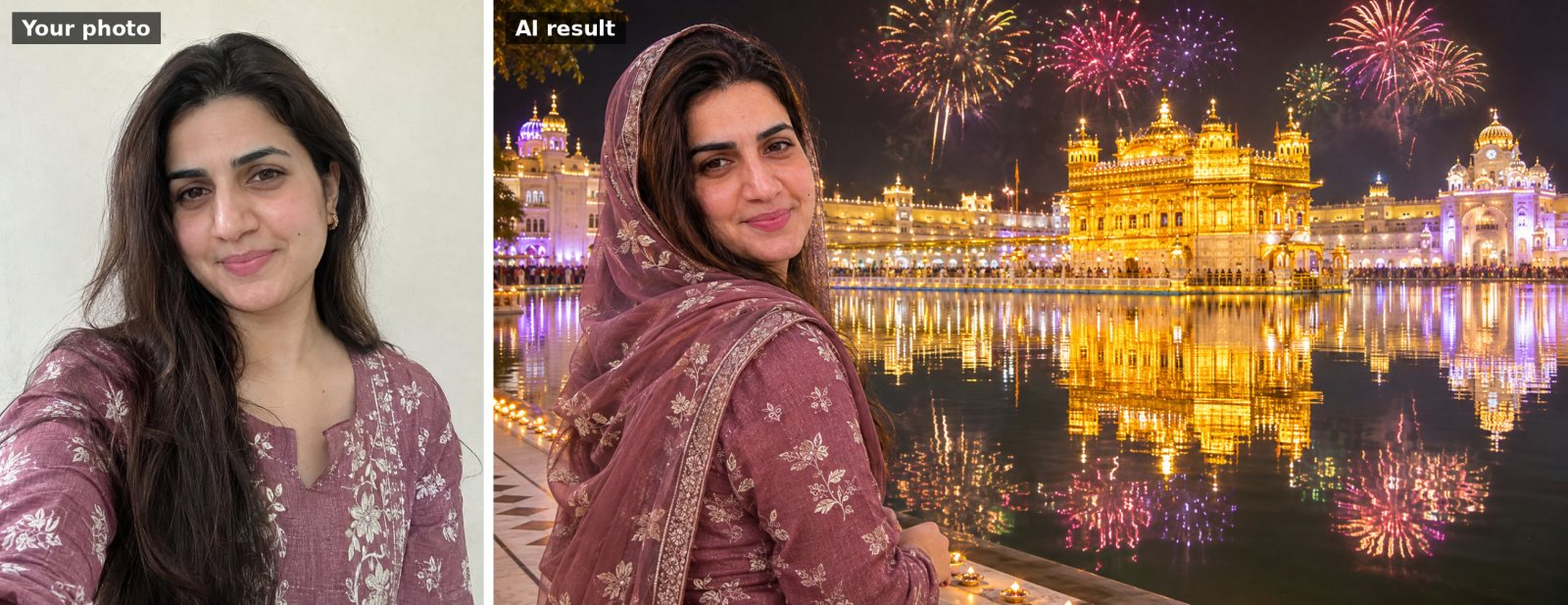 📷 Uses your photo
Use the uploaded photo. Keep my face, facial features, skin tone and hairline exactly the same as the uploade…
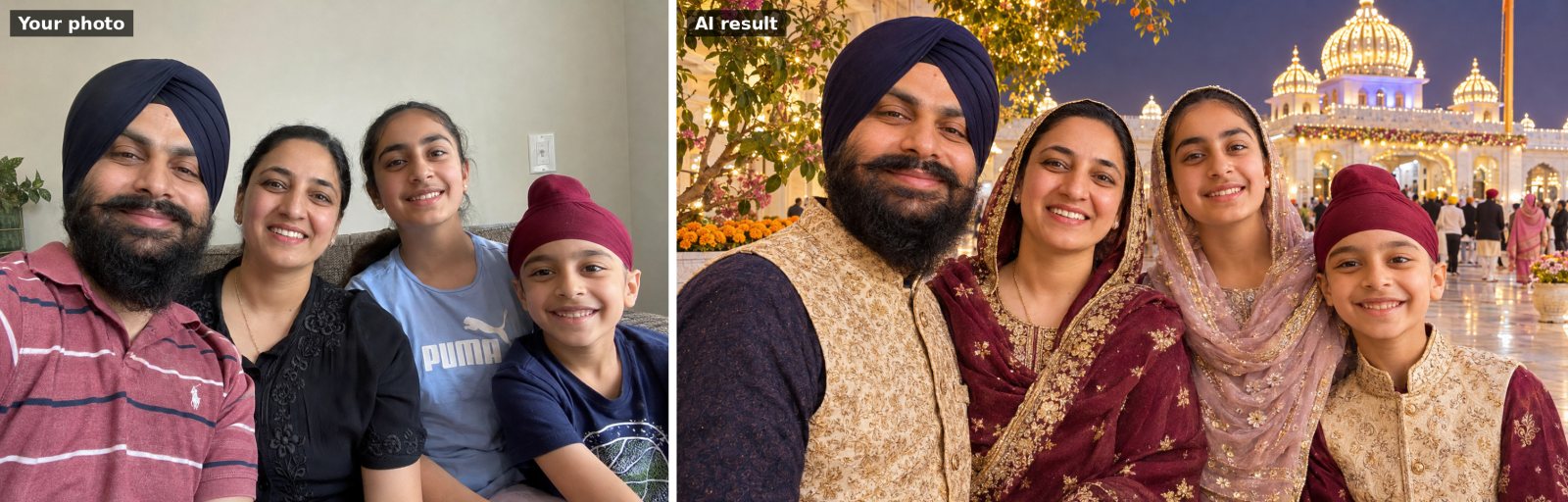 📷 Uses your photo
Use the uploaded family photo. Keep every person's face and facial features exactly the same and keep the sam…
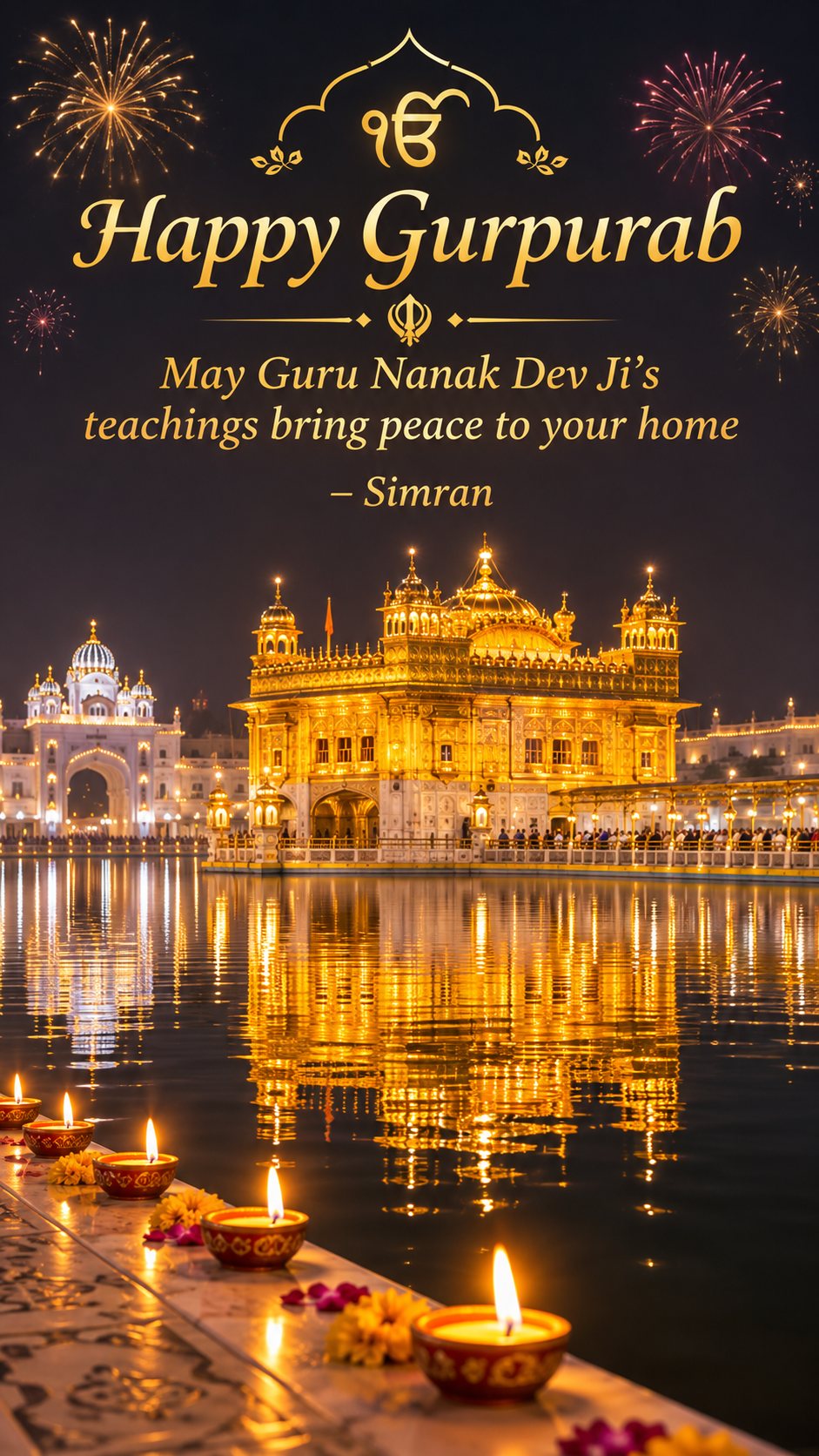
Vertical 9:16 Guru Nanak Jayanti wishes image for a WhatsApp status: the Golden Temple glowing at night with…