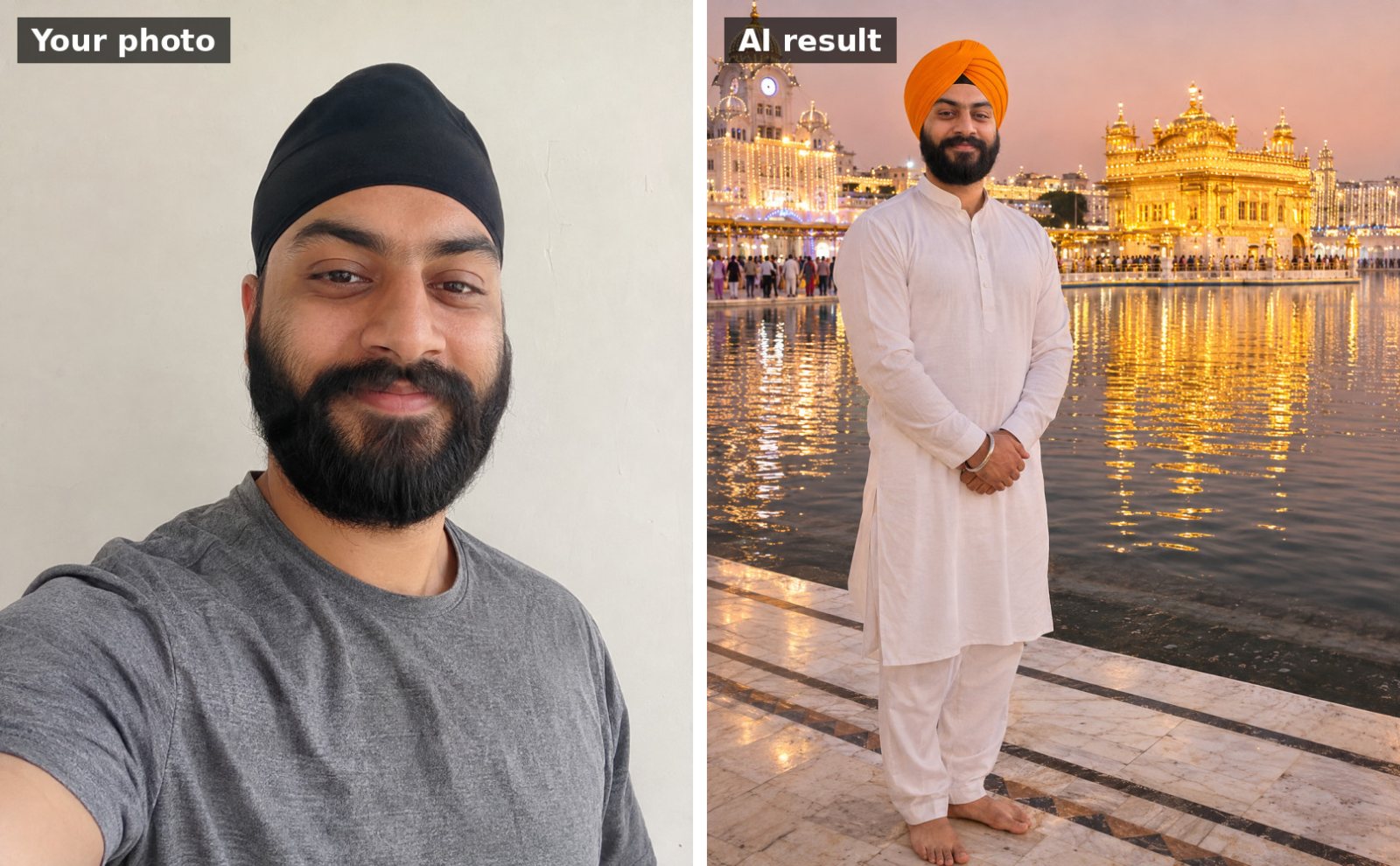
 📷 Uses your photo
Guru Nanak Jayanti
Dastar (turban) portrait at the Golden Temple
Use the uploaded photo. Keep my face, facial features, skin tone and hairline exactly the same as the uploade…
🎬 This is a video prompt for Gemini's Create video tool or Google Flow.
Use my uploaded photo as the starting frame and keep my face, features and clothes exactly the same throughout the video. Keep my head covered with a dupatta. Animate me at the edge of the sarovar at the Golden Temple on Gurpurab night, gently lighting a small clay diya and placing it on the marble edge. The Golden Temple glows behind me, its reflection shimmering on the water, and soft fireworks bloom in the sky. Slow camera push-in. Sound: peaceful kirtan in the distance and soft water sounds. Serene, respectful, realistic, 16:9.
Works with: Gemini, Google Flow
Attach a clear photo with your face visible before pasting the prompt. If your face changes during the video, reply: “Keep my face identical to the photo in every frame.”
Want a WhatsApp status or Instagram Reel? Add “vertical 9:16”.
📷 Uses your photo
Use the uploaded photo. Keep my face, facial features, skin tone and hairline exactly the same as the uploade…
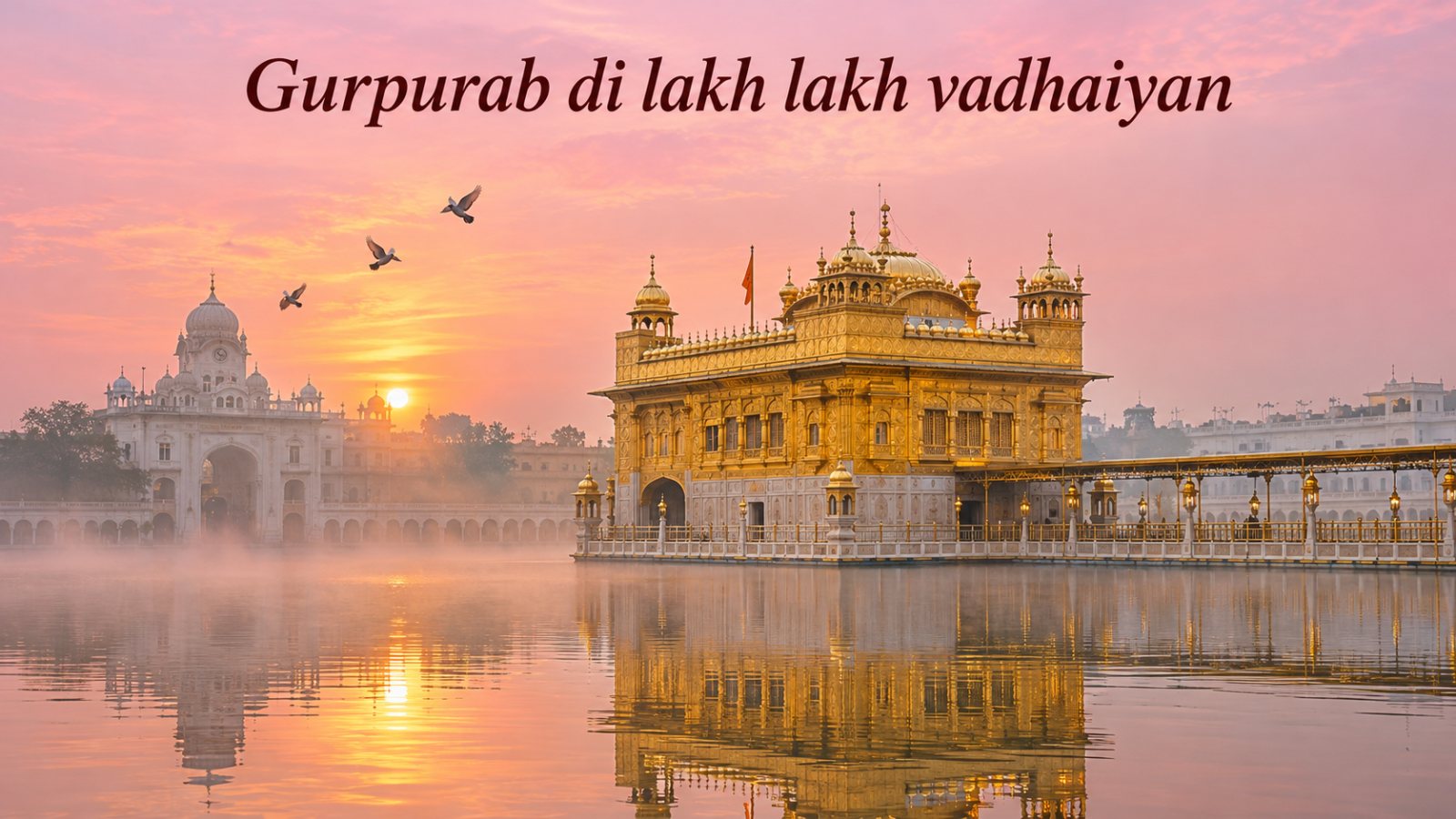
Peaceful greeting image of the Golden Temple in Amritsar at dawn: soft pink and gold sky, mist over the sarov…
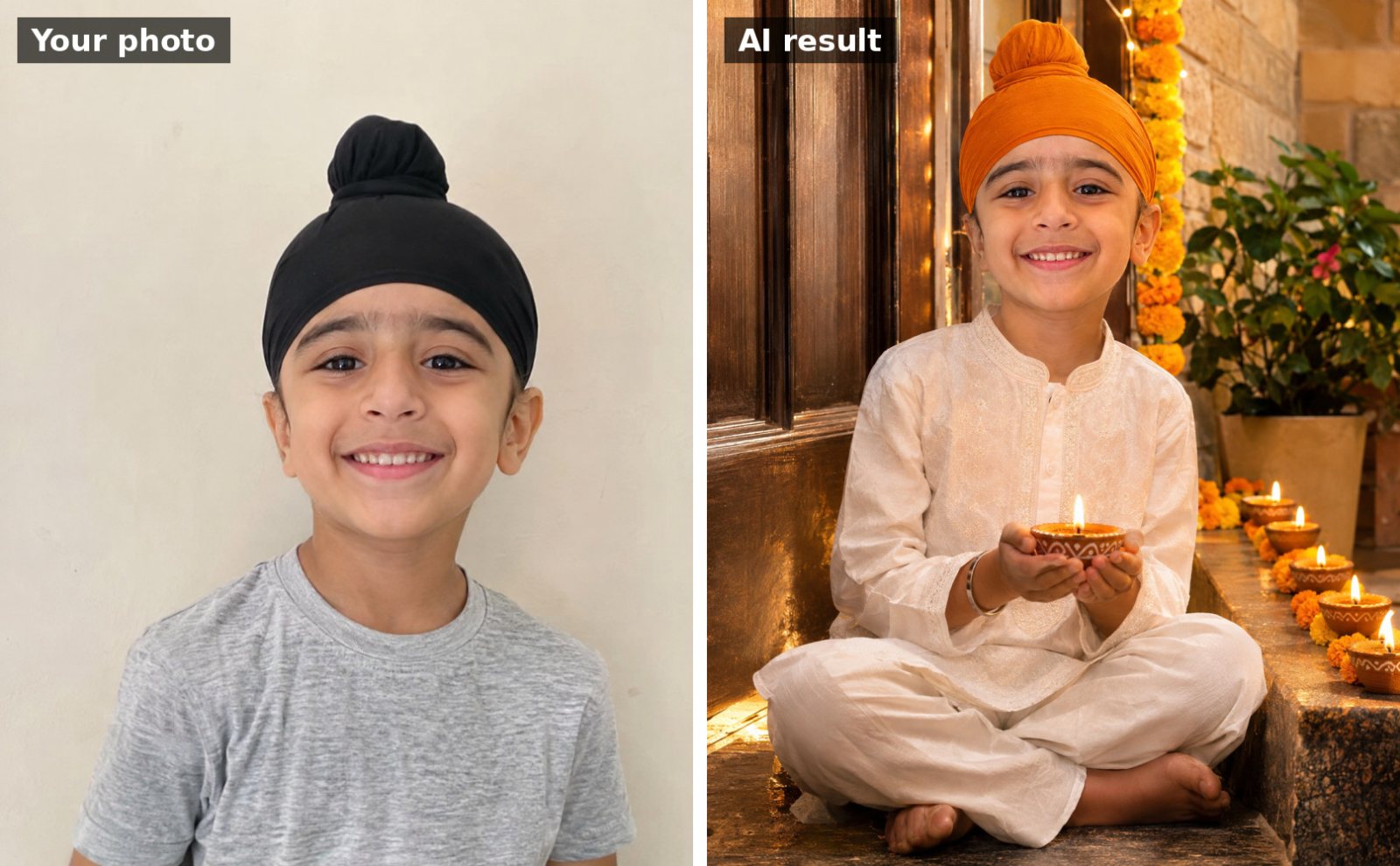 📷 Uses your photo
Use the uploaded photo of my child. Keep the child's face and features exactly the same. Dress them in a cute…

Elegant Guru Nanak Jayanti greeting card: rows of glowing clay diyas and marigold flowers on white marble, a…
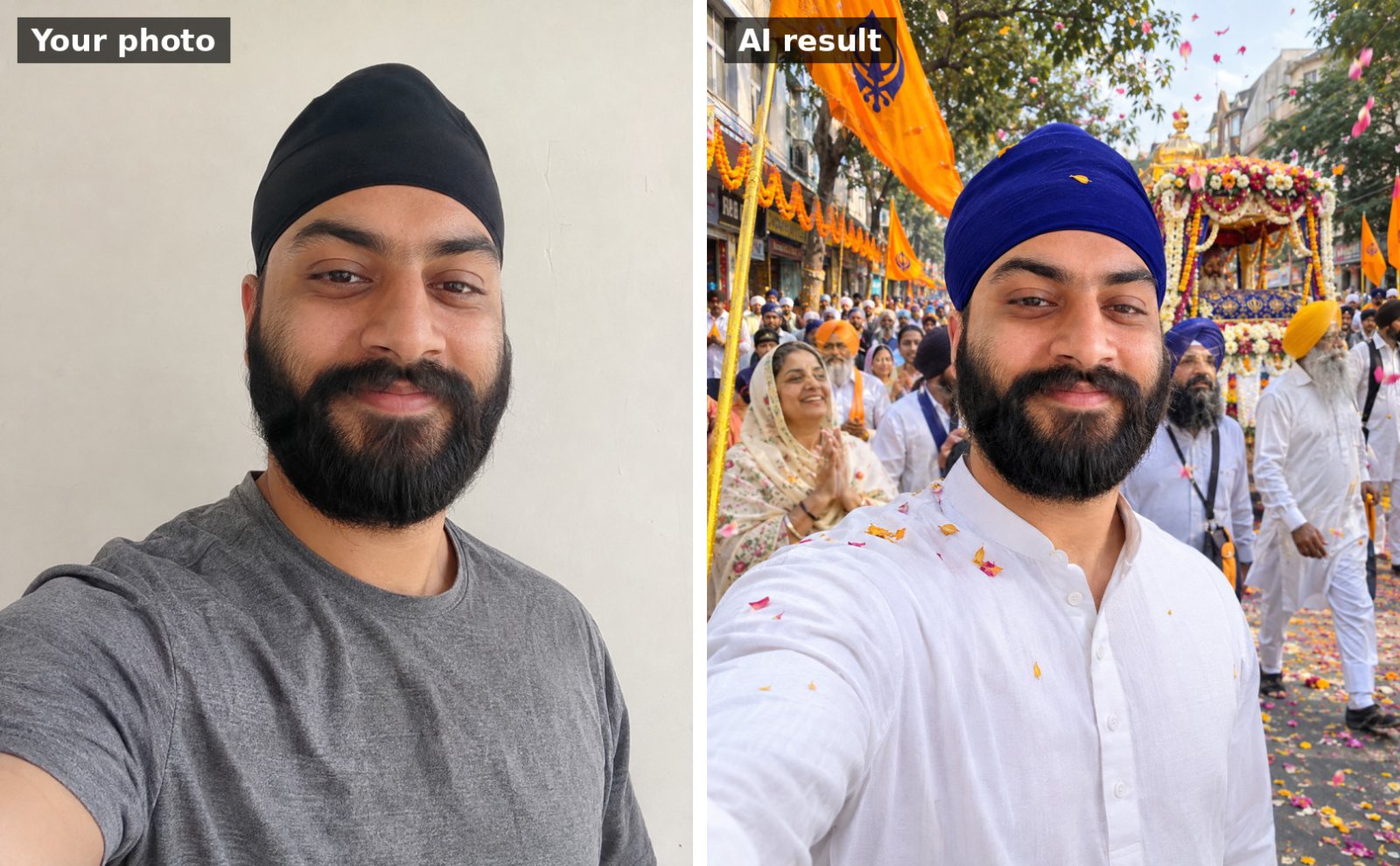 📷 Uses your photo
Use the uploaded photo. Keep my face, facial features, skin tone and hairline exactly the same as the uploade…
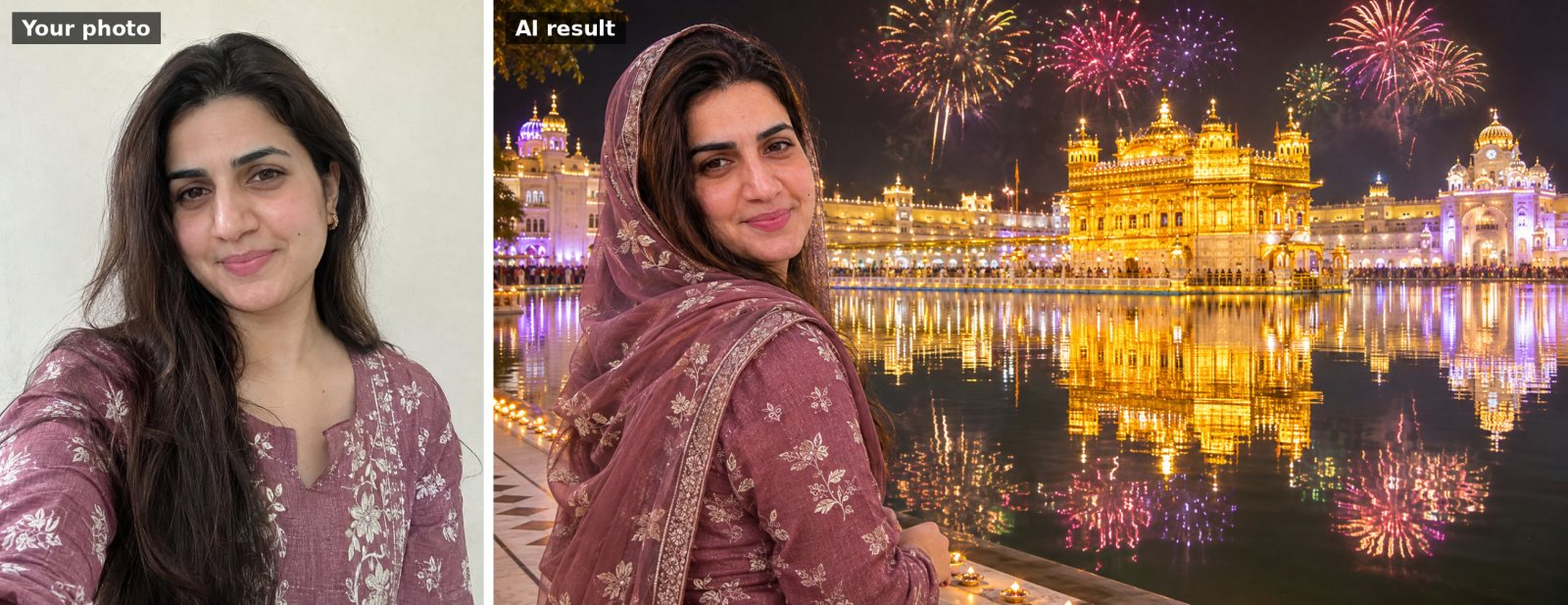 📷 Uses your photo
Use the uploaded photo. Keep my face, facial features, skin tone and hairline exactly the same as the uploade…