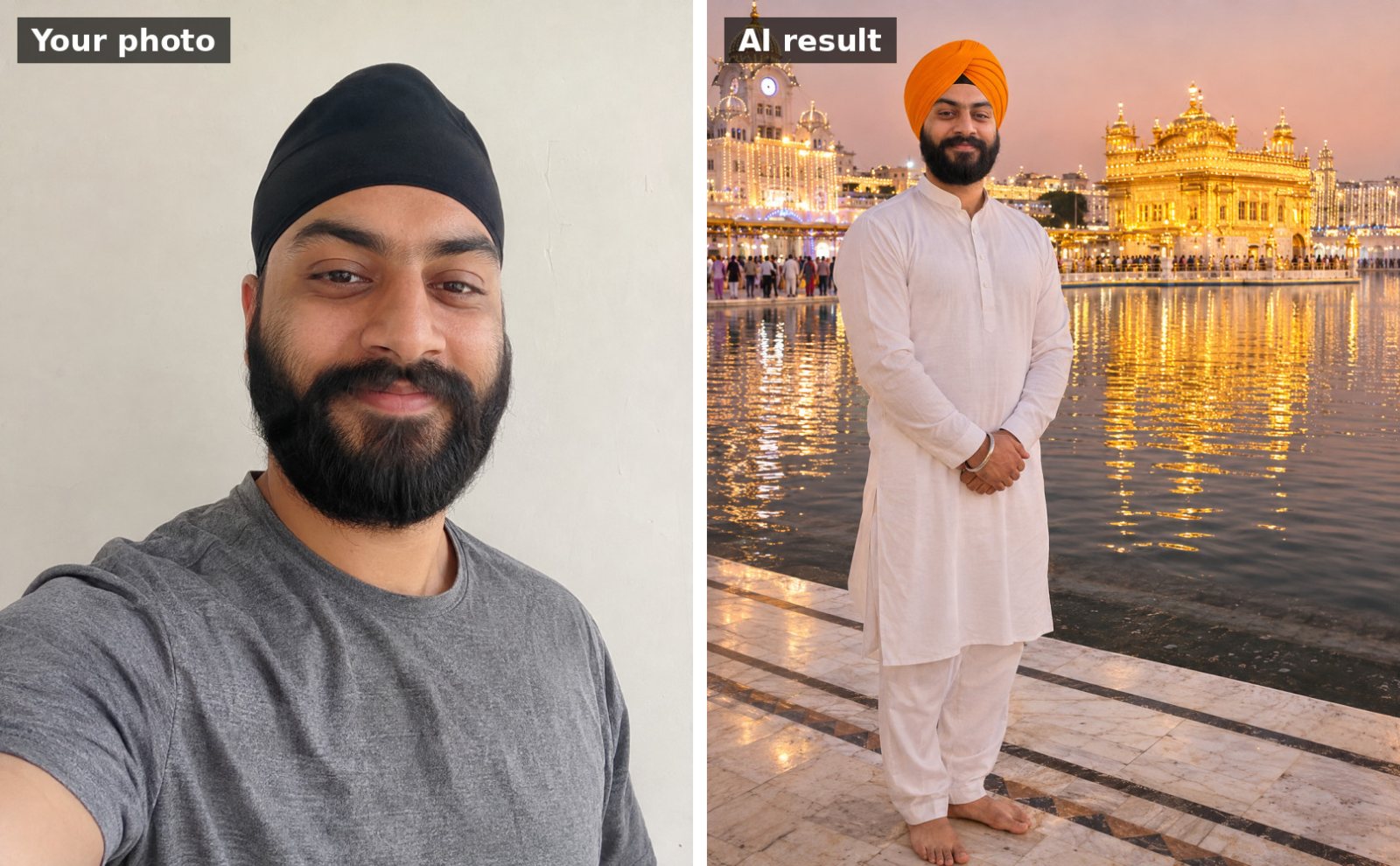
 📷 Uses your photo
Guru Nanak Jayanti
Dastar (turban) portrait at the Golden Temple
Use the uploaded photo. Keep my face, facial features, skin tone and hairline exactly the same as the uploade…
📷 This prompt edits your own photo. Use a clear, front-facing photo with good light.
Use the uploaded photo. Keep my face, facial features, skin tone and hairline exactly the same as the uploaded photo. Show me walking in an early-morning Prabhat Pheri before sunrise in the days before Gurpurab, my head covered with a white dupatta, holding a small lit lantern. A group of people singing kirtan walks with me down a quiet village lane, soft blue dawn light with the first warm glow on the horizon. Peaceful, atmospheric, realistic photo, portrait 4:5.
Works with: Gemini, ChatGPT
Upload a clear, well-lit photo with your face visible (no sunglasses or heavy filters). If your face changes, reply: “Keep my face identical to the uploaded photo; only change the outfit and background.”
At a gurdwara the head is always covered. If the AI leaves your head uncovered, reply: “Cover my head with a dupatta / patka.”
📷 Uses your photo
Use the uploaded photo. Keep my face, facial features, skin tone and hairline exactly the same as the uploade…
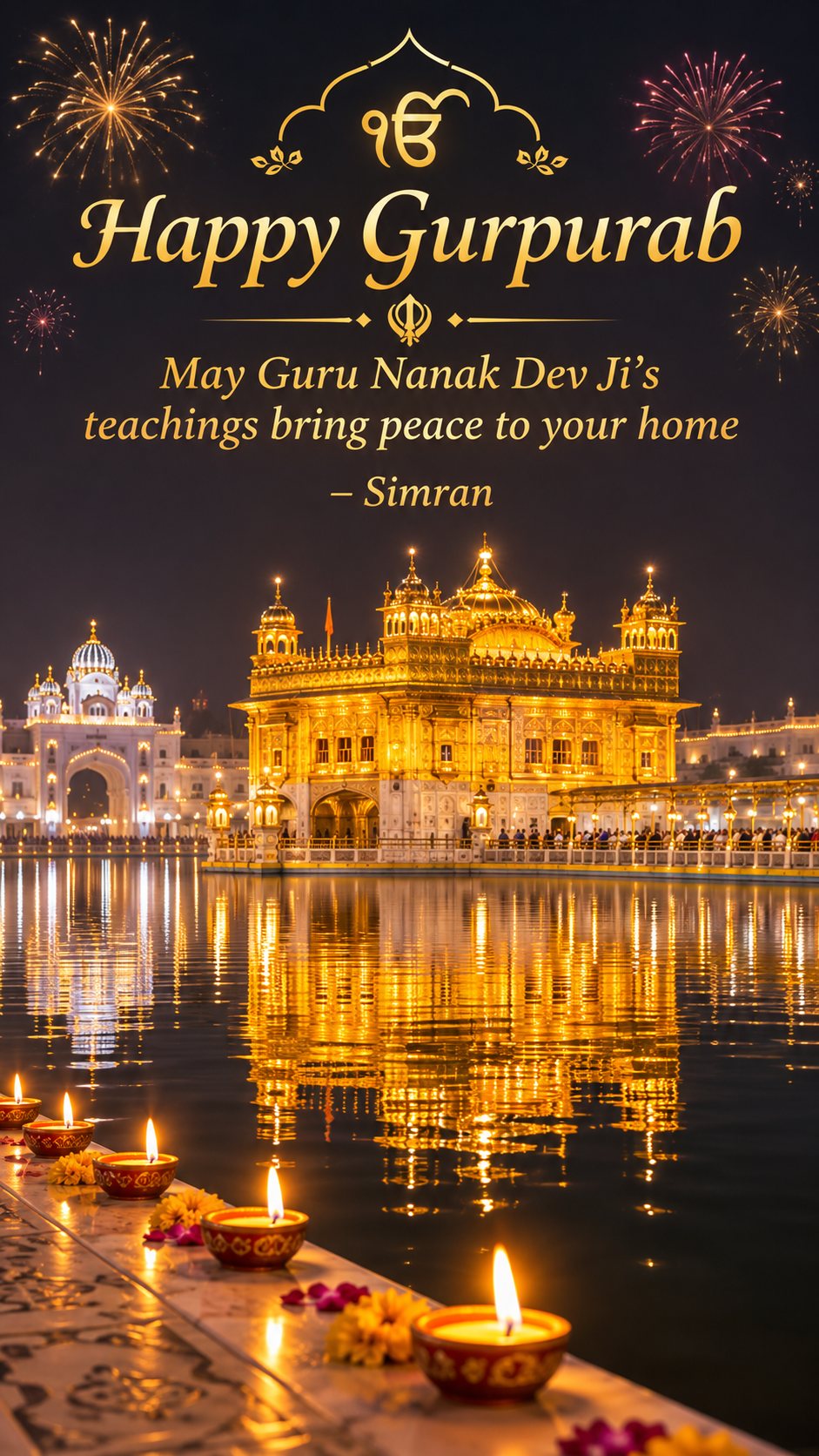
Vertical 9:16 Guru Nanak Jayanti wishes image for a WhatsApp status: the Golden Temple glowing at night with…
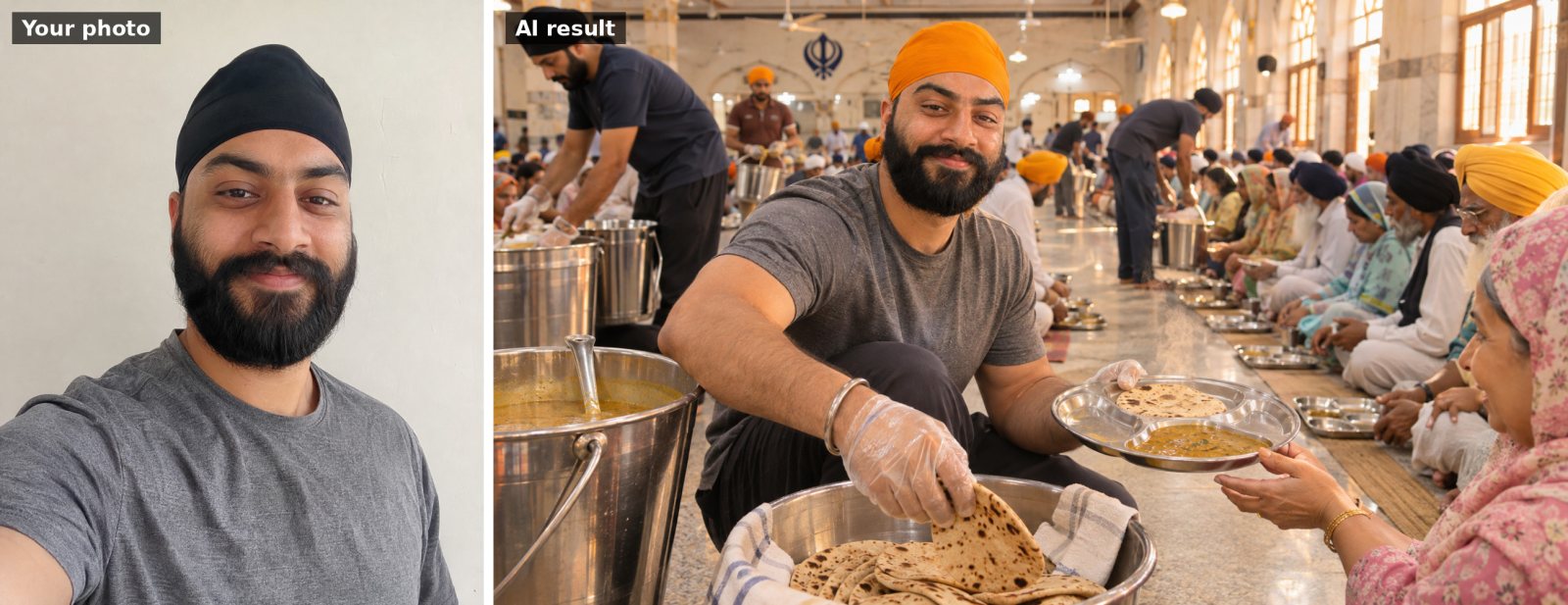 📷 Uses your photo
Use the uploaded photo. Keep my face, facial features, skin tone and hairline exactly the same as the uploade…
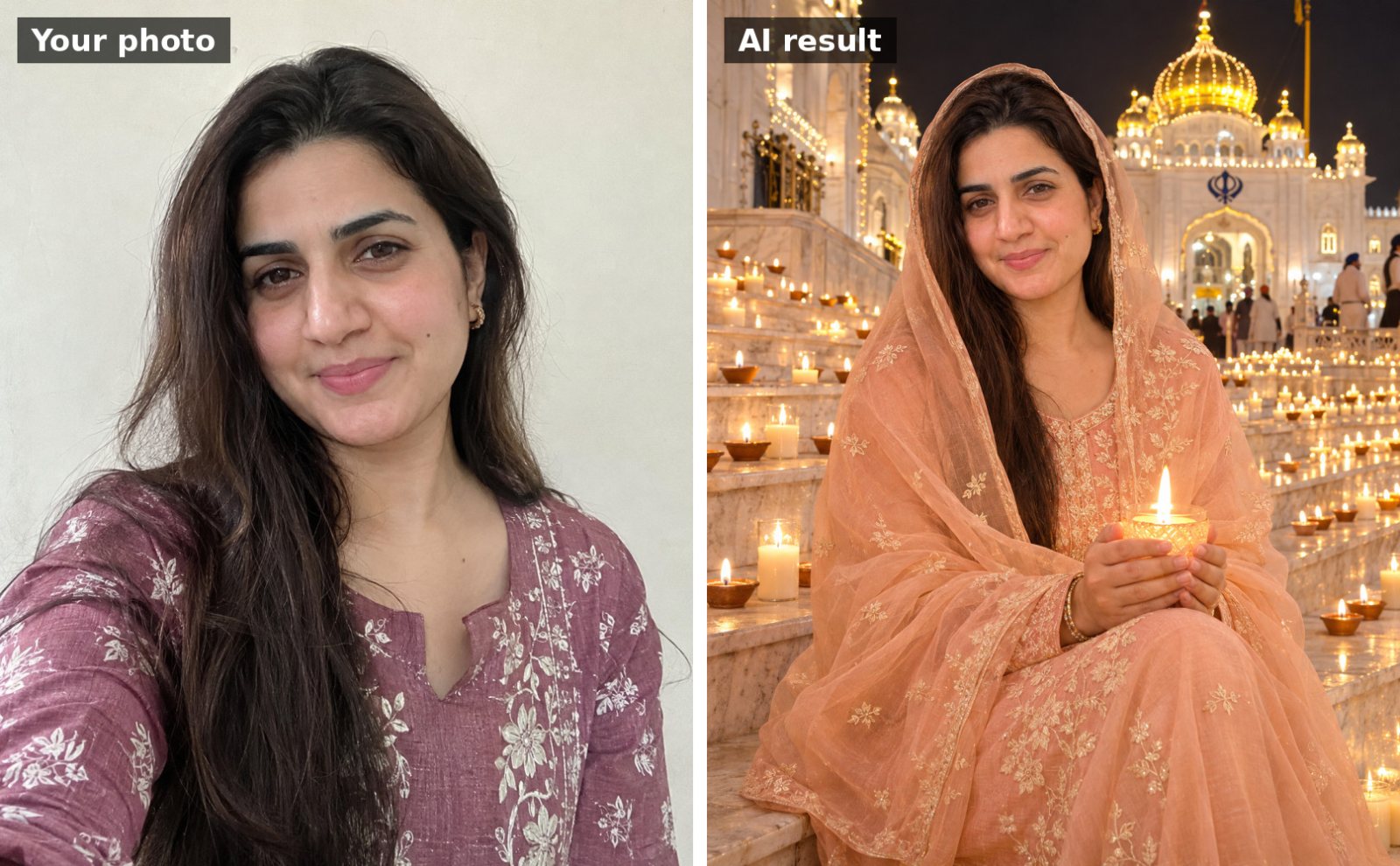 📷 Uses your photo
Use the uploaded photo. Keep my face, facial features, skin tone and hairline exactly the same as the uploade…
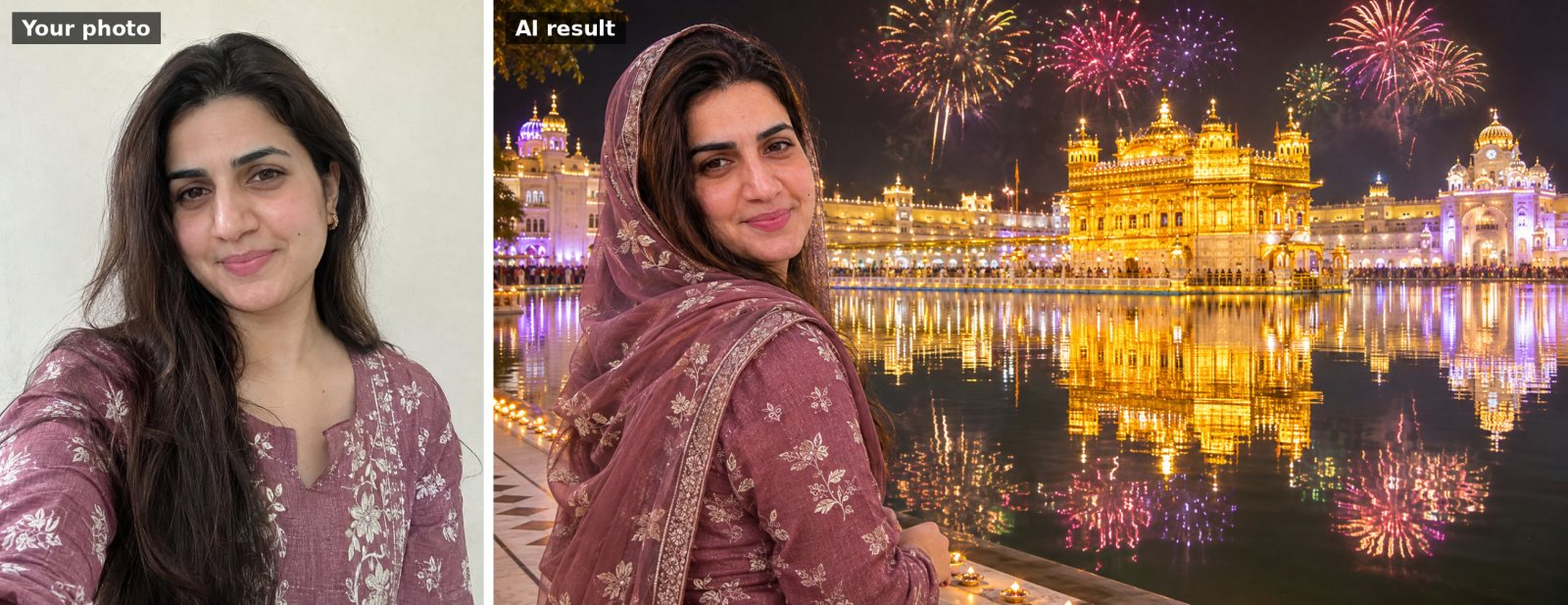 📷 Uses your photo
Use the uploaded photo. Keep my face, facial features, skin tone and hairline exactly the same as the uploade…
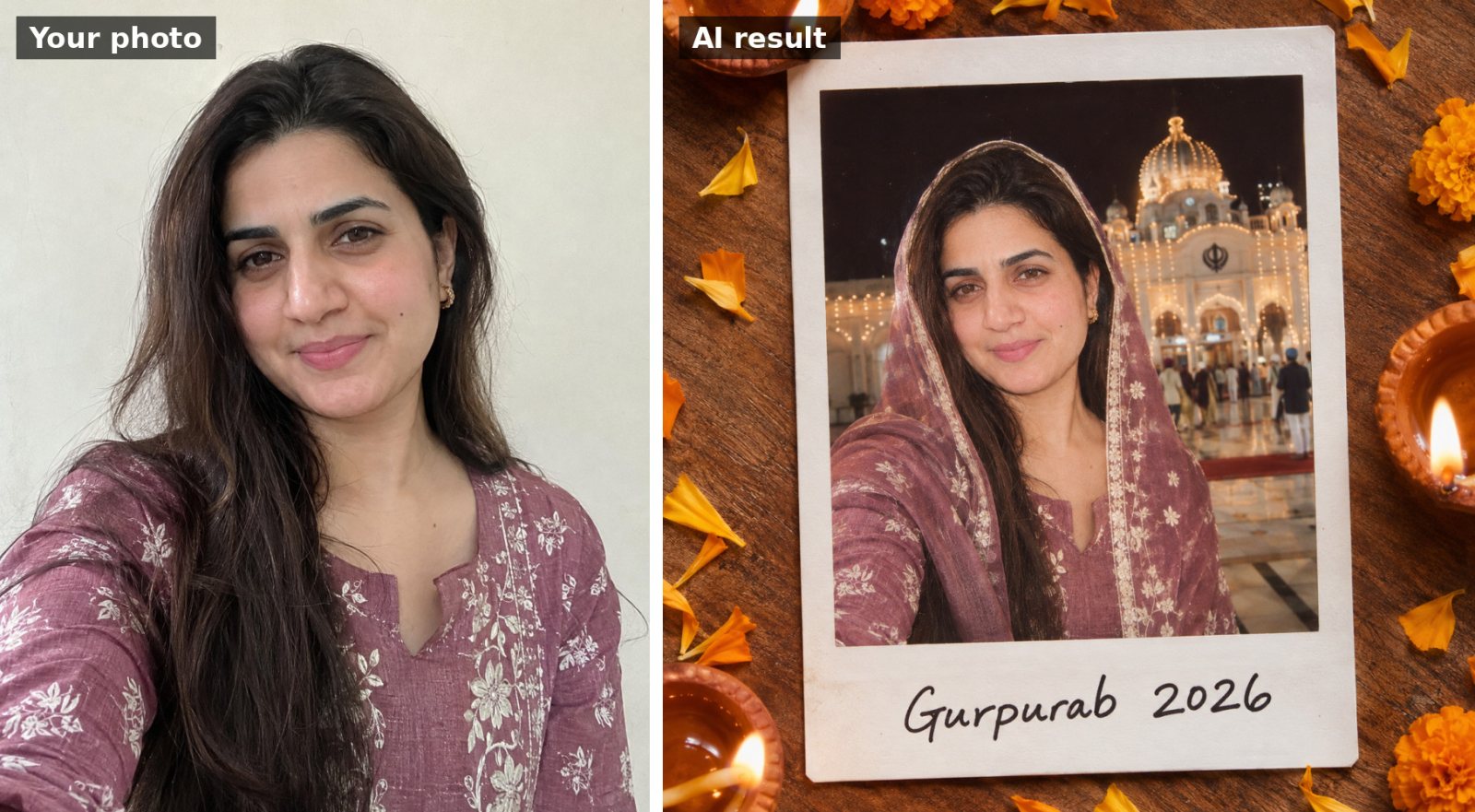 📷 Uses your photo
Use the uploaded photo. Keep my face, facial features, skin tone and hairline exactly the same as the uploade…