 📷 Uses your photo
Birthday
Birthday celebration portrait from your photo
Use the uploaded photo. Keep the person's face and facial features exactly the same. Create a stylish birthda…
🎬 This is a video prompt for Gemini's Create video tool or Google Flow.
Use my uploaded photo as the starting frame and keep my face, features and clothes exactly the same throughout the video. Animate me sitting at a table in a cozy room decorated with balloons and fairy lights, a birthday cake with lit candles in front of me. I smile, lean forward and blow out the candles; the flames go out with a little puff of smoke, then gold confetti falls and I laugh and clap. Slow push-in camera. Sound: friends cheering and shouting "Happy birthday, Priya!", then light party music. Warm, joyful, realistic, 16:9.
Works with: Gemini, Google Flow
Attach a clear photo with your face visible before pasting the prompt. If your face changes during the video, reply: “Keep my face identical to the photo in every frame.”
Want a WhatsApp status or Instagram Reel? Add “vertical 9:16”.
📷 Uses your photo
Use the uploaded photo. Keep the person's face and facial features exactly the same. Create a stylish birthda…

Joyful birthday card: colorful balloons, confetti and a two-tier birthday cake with lit candles on a pastel b…

Fun kids' birthday card: a cute smiling green dinosaur wearing a party hat, blowing a party horn, surrounded…
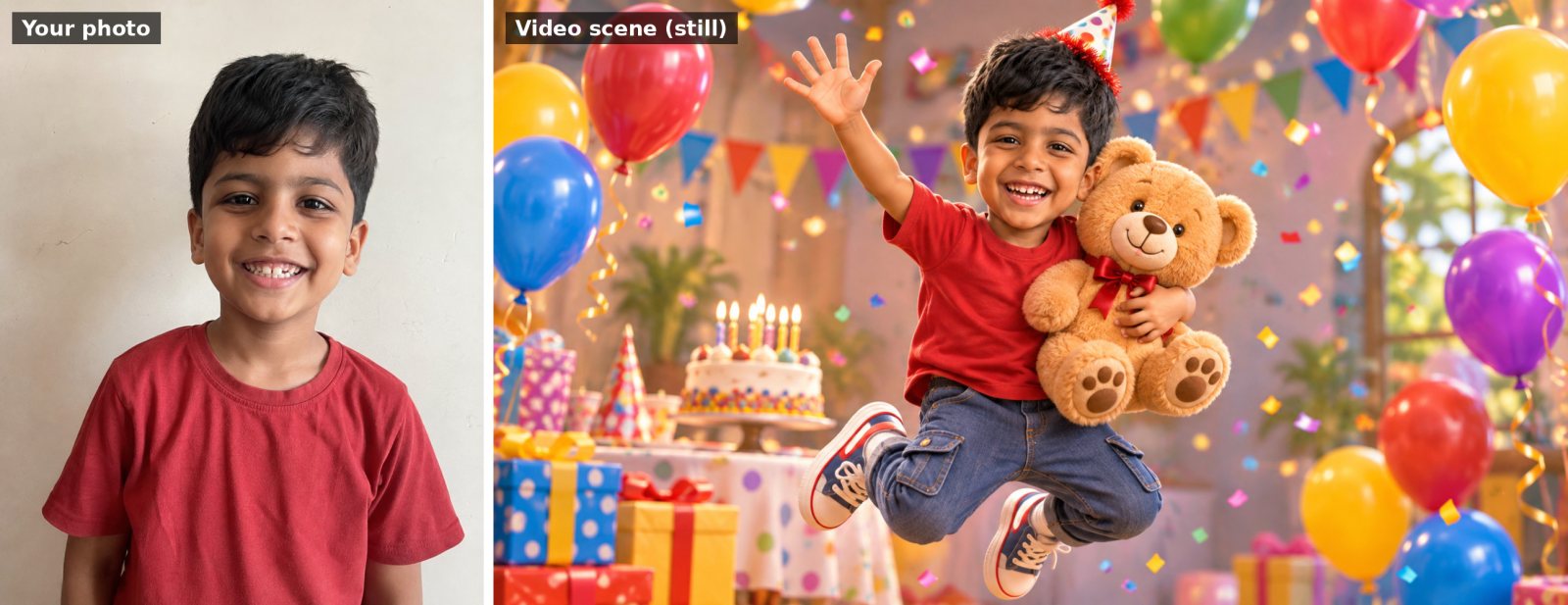 🎬 Video prompt
Use my uploaded photo of my child as the reference and keep the child's face recognisable. Turn them into a c…

Elegant birthday card with soft watercolor peonies and roses in blush pink and cream framing the edges, gold…

Funny birthday card illustration: an exhausted office coffee mug character wearing a party hat, surrounded by…