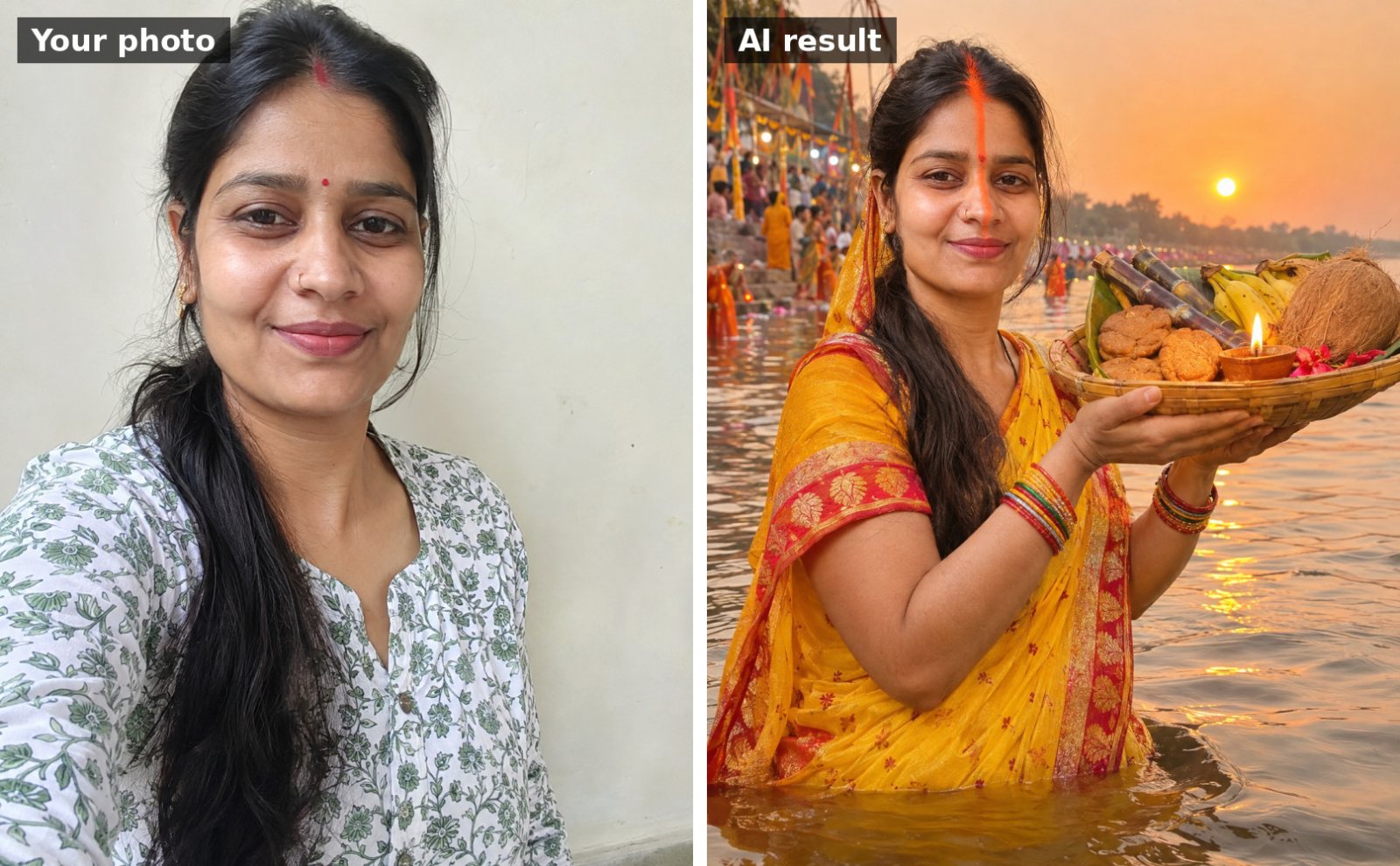
 📷 Uses your photo
Chhath Puja
Sandhya arghya portrait at the river ghat
Use the uploaded photo. Keep my face, facial features, skin tone and hairline exactly the same as the uploade…
📷 This prompt edits your own photo. Use a clear, front-facing photo with good light.
Use the uploaded photo. Keep my face, facial features, skin tone and hairline exactly the same as the uploaded photo. Repaint me in the style of a traditional Madhubani (Mithila) folk painting from Bihar: bold black outlines, bright red, yellow, green and blue colors, patterned borders of fish, lotuses and peacocks. I'm shown in a Chhath saree offering arghya to a stylised sun with a radiant face, standing in a river drawn with wavy patterned lines. Hand-painted folk-art texture on handmade paper, my face recognisable, portrait 4:5.
Works with: Gemini, ChatGPT
Upload a clear, well-lit photo with your face visible (no sunglasses or heavy filters). If your face changes, reply: “Keep my face identical to the uploaded photo; only change the outfit and background.”
Want a different color? Reply with just that change, e.g. “make the saree bright orange”.
📷 Uses your photo
Use the uploaded photo. Keep my face, facial features, skin tone and hairline exactly the same as the uploade…
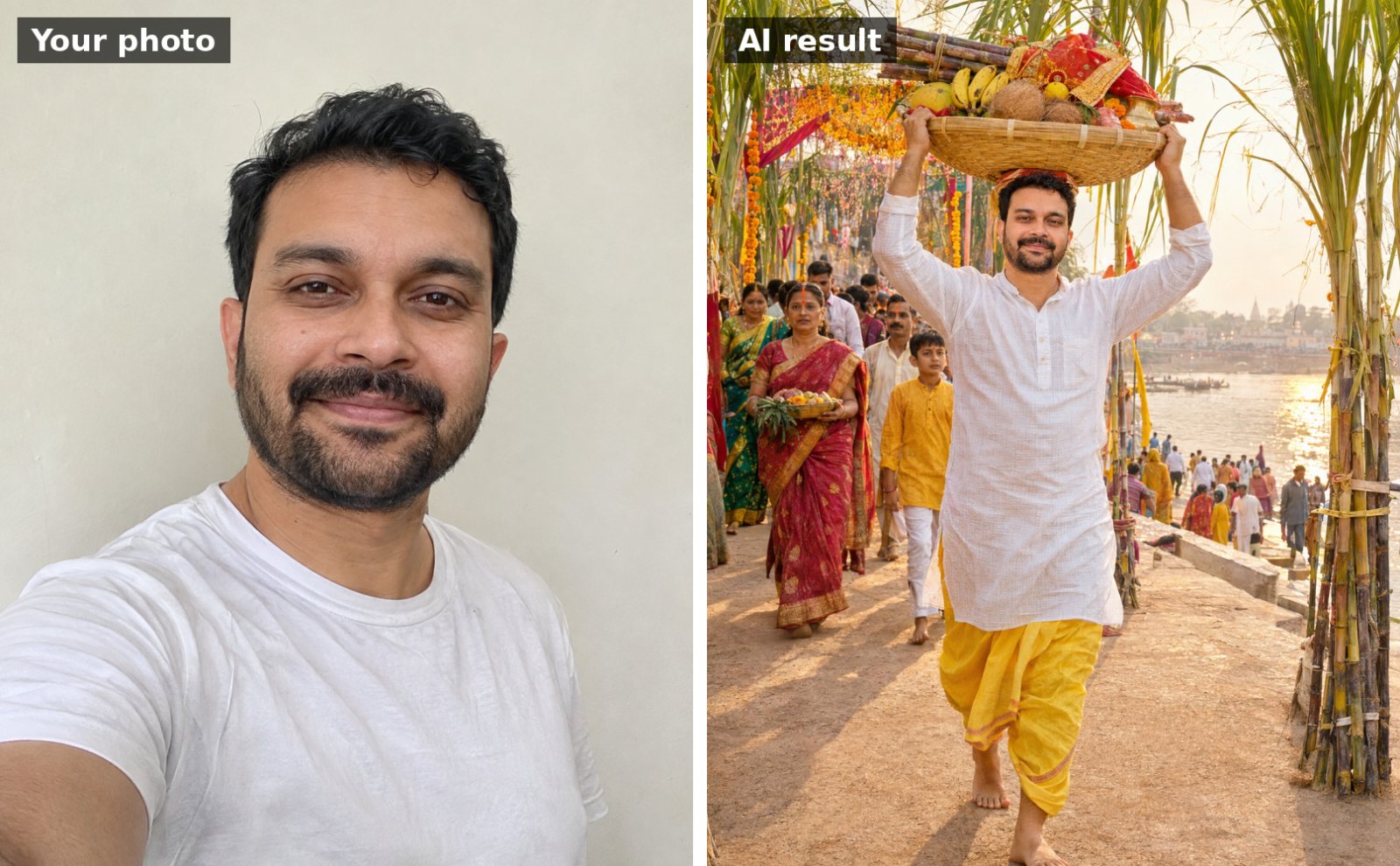 📷 Uses your photo
Use the uploaded photo. Keep my face, facial features, skin tone and hairline exactly the same as the uploade…
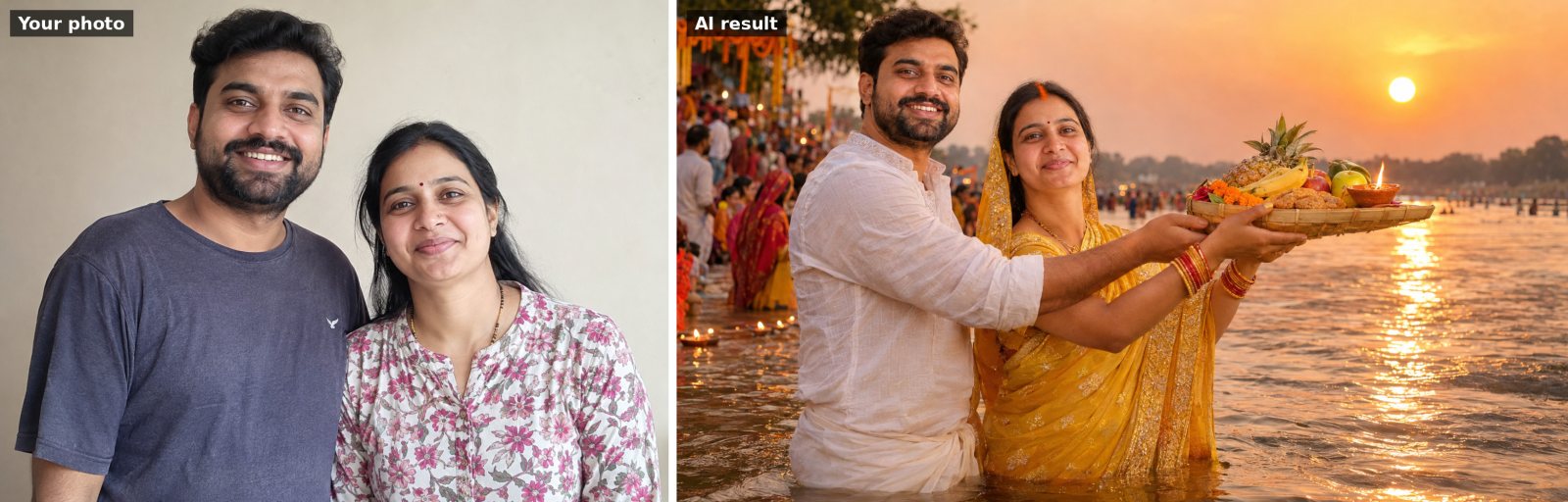 📷 Uses your photo
Use the uploaded photo of us. Keep both people's faces and facial features exactly the same. Show us standing…
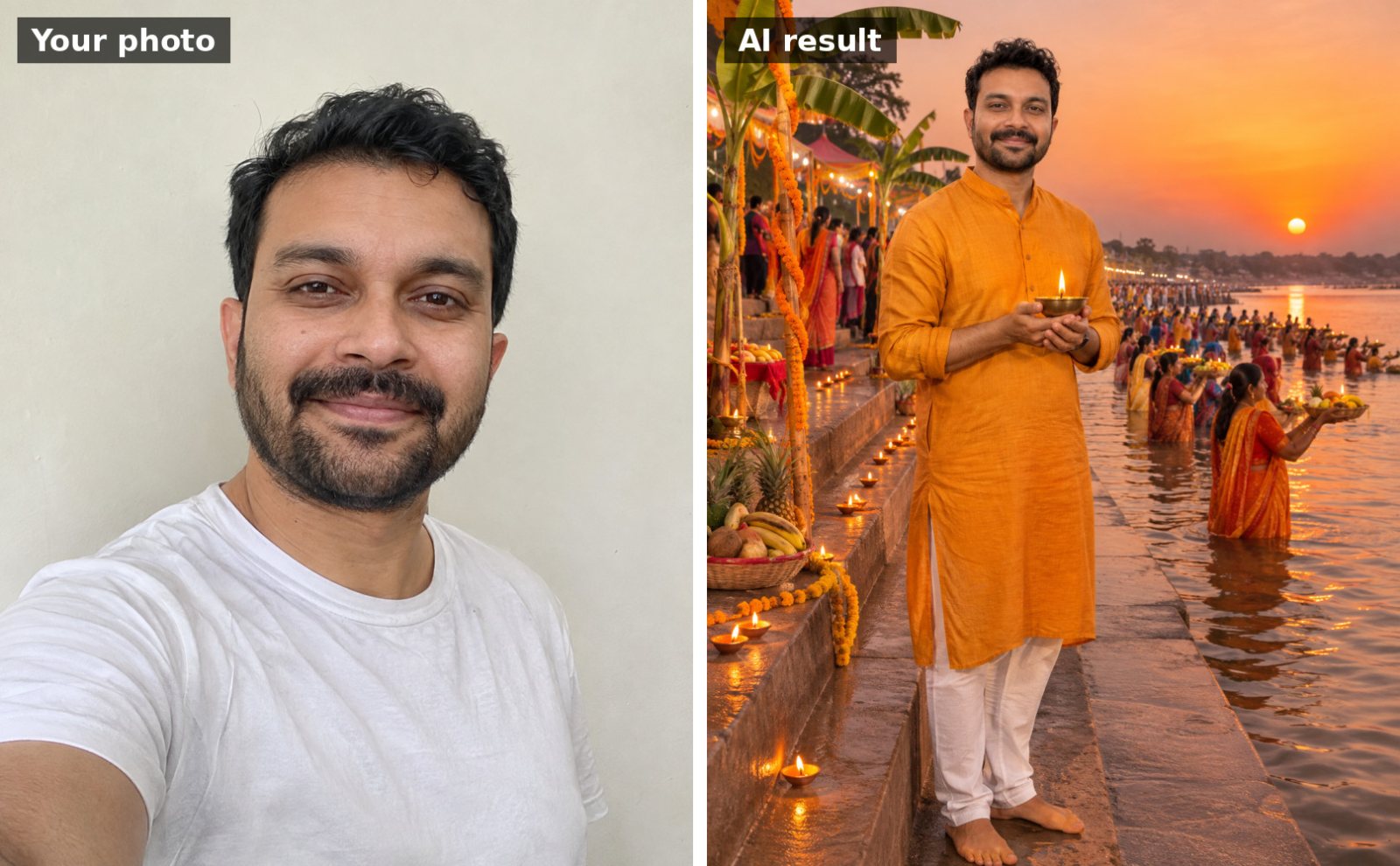 📷 Uses your photo
Use the uploaded photo. Keep my face, facial features, skin tone and hairline exactly the same as the uploade…
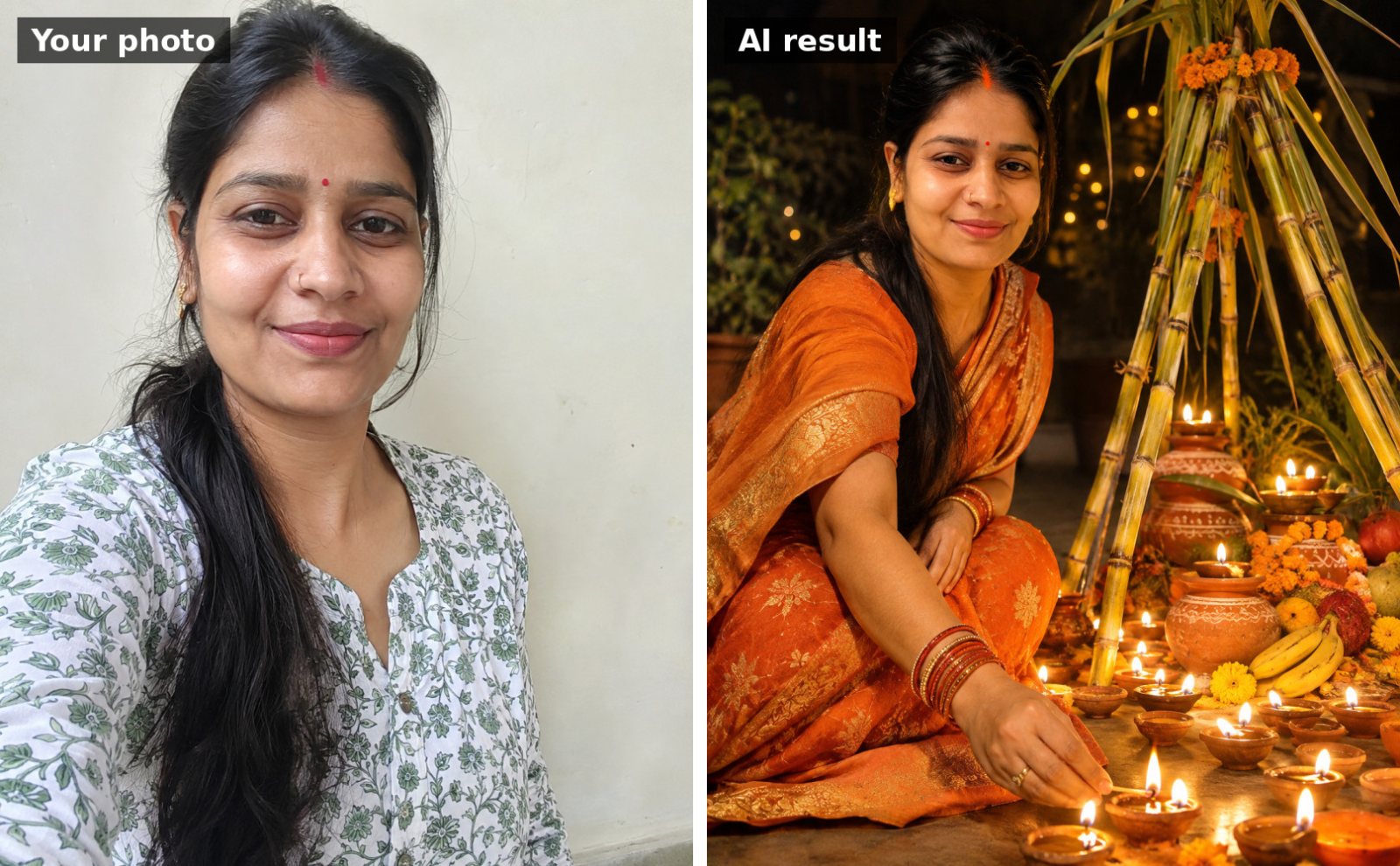 📷 Uses your photo
Use the uploaded photo. Keep my face, facial features, skin tone and hairline exactly the same as the uploade…
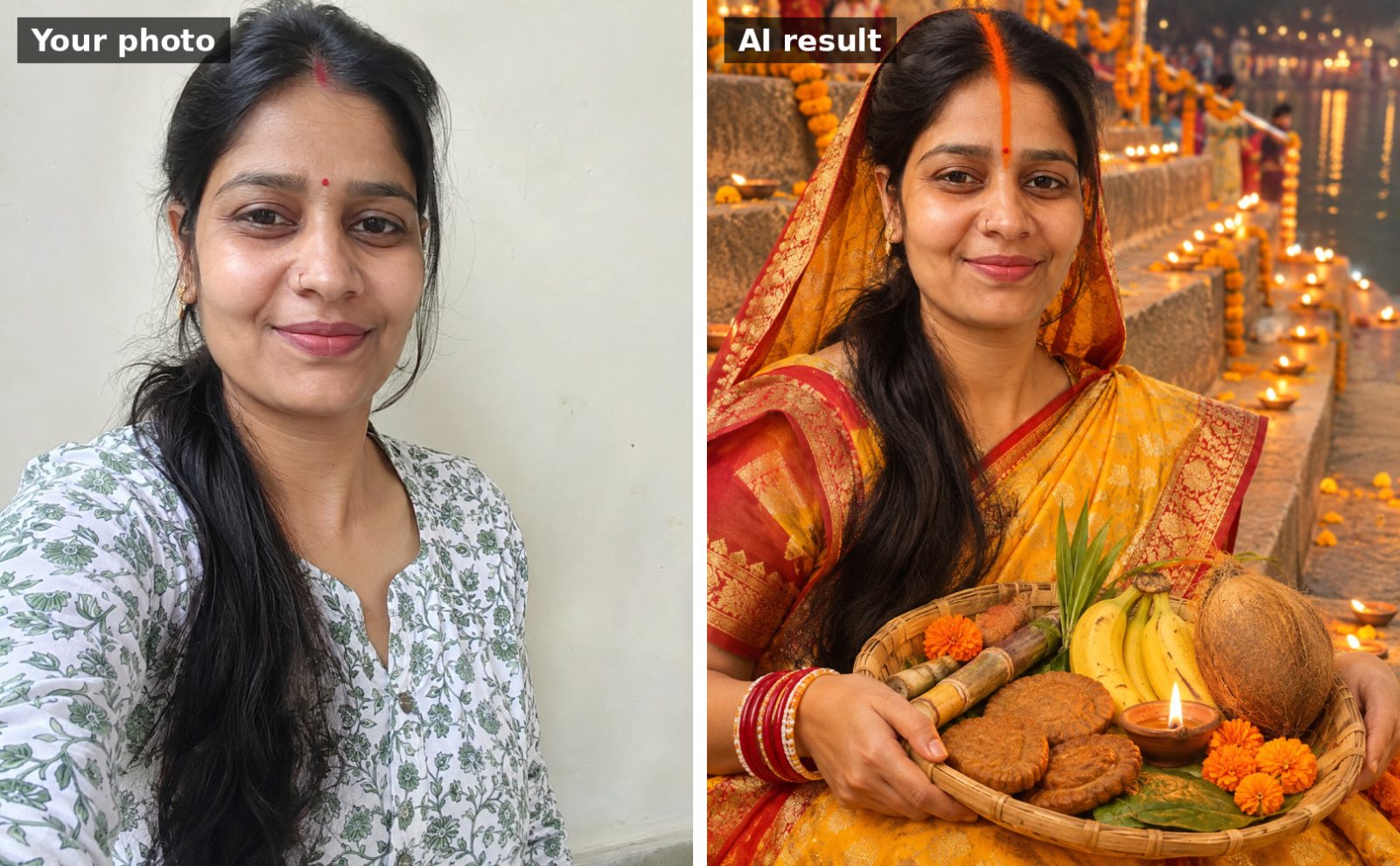 📷 Uses your photo
Use the uploaded photo. Keep my face, facial features, skin tone and hairline exactly the same as the uploade…